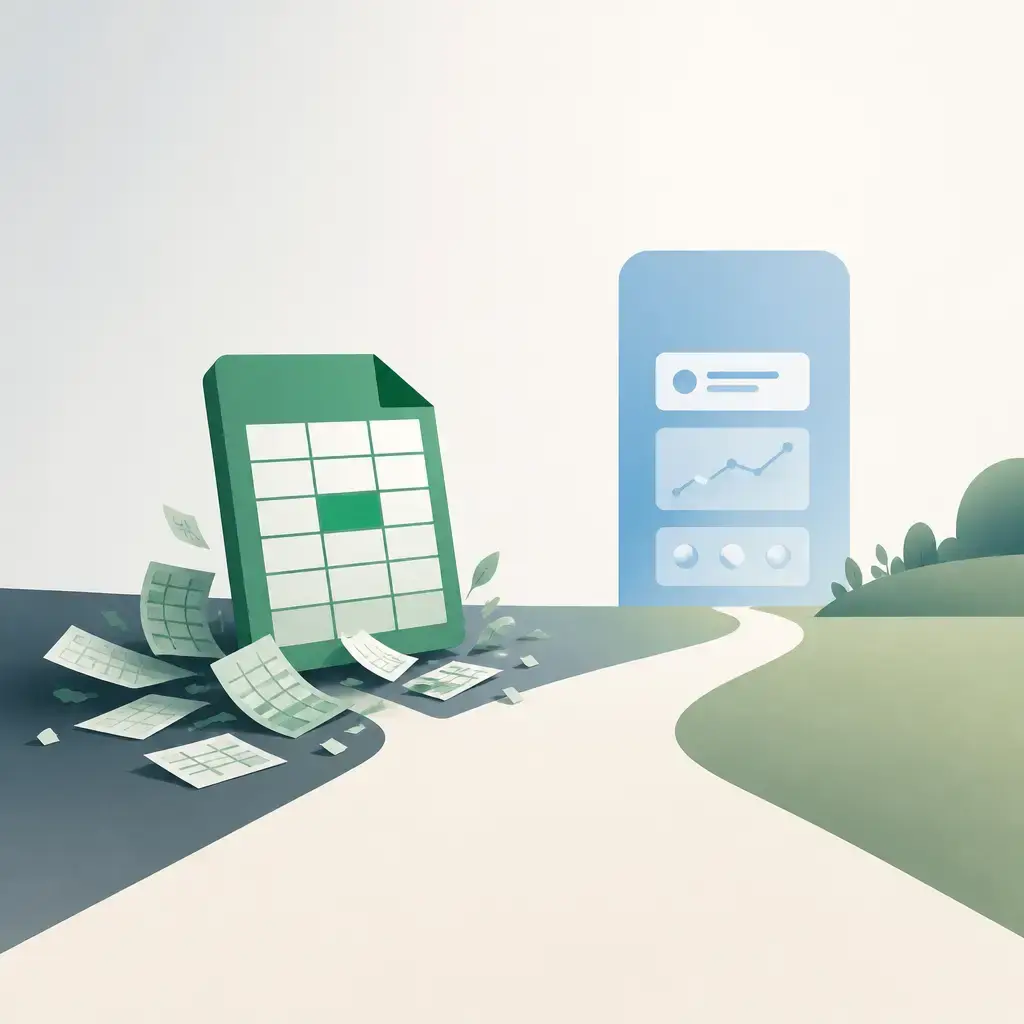
Excel is a fine starting point for tracking customers and sales. It's flexible, most people already know how to use it, and it costs nothing extra. But as your business grows, those spreadsheets start working against you. Deals slip through the cracks, follow-ups get forgotten, and pulling together a simple report eats up half your morning. At that point, the question isn't whether Excel works, it's whether it's still the right tool.
This guide covers the clear signs you've outgrown spreadsheets, what upgrading to a CRM actually looks like in practice, and the measurable results businesses typically see after making the switch.
Key Takeaways
- Excel is built for data, not for managing a growing sales operation, it has no reminders, no automation, and no real collaboration features.
- The clearest signs you need a CRM are missed follow-ups, scattered data, slow reporting, and a pipeline you can't see clearly.
- Modern CRM platforms are designed to import your existing spreadsheet data, so the transition is usually less disruptive than people fear.
- Businesses that move from Excel to a CRM commonly report up to a 29% increase in sales, up to 34% improvement in productivity, and up to 42% better forecast accuracy.
- You don't have to implement a full enterprise platform straight away, starting with CRM for sales tracking alone is a perfectly sensible first step.
The 7 Signs You've Outgrown Excel
These aren't edge cases. They're the everyday frustrations that show up once a business reaches a certain size.
1. Your Sales Pipeline Has No Real Visibility
With Excel, understanding where each deal sits right now means opening files, cross-referencing rows, and hoping nothing was entered incorrectly. There's no live view. That makes it genuinely hard to spot bottlenecks, forecast revenue, or decide where to focus your team's energy.
A CRM gives you a real-time pipeline so you're always working from accurate, current data.
2. Follow Ups Are Getting Missed
Excel doesn't send reminders. It doesn't chase anyone. Sales reps rely on memory or sticky notes, and when things get busy, leads go cold. That's revenue walking out the door.
CRM systems automate follow-up reminders and can even trigger emails based on what a contact does, so nothing gets forgotten.
3. Customer Data Is Spread Across Multiple Files
If your team has three versions of "the customer list" and nobody's quite sure which one is current, that's a real problem. Duplicated records and conflicting information waste time and damage customer relationships when someone gets called twice or receives contradictory information.
A CRM holds everything in one place, one record per customer, with the full history attached.
4. Reporting Takes Too Long
Manual reporting from spreadsheets is slow, error-prone, and almost always working off yesterday's data by the time it's finished. If leadership has to wait for someone to compile a report before making a decision, that delay has a cost.
CRM dashboards update in real time. The information is just there.
5. Your Sales Process Isn't Consistent
Excel's flexibility is both its strength and its weakness. One person tracks deals one way, another tracks them differently, and there's no standard process for the team to follow. That inconsistency makes it hard to coach, hard to scale, and hard to spot what's actually working.
A CRM lets you define clear sales stages, required activities, and approval steps, so everyone works the same way.
6. Your Team Is Growing
When it's just one or two people, a shared spreadsheet can just about work. Add more people and it falls apart quickly, version conflicts, access issues, and nobody really knowing what anyone else is doing. CRM systems are built specifically to support teams collaborating on shared customer data.
7. Your Team Spends More Time on Admin Than Selling
If your salespeople are spending a significant chunk of their day updating spreadsheets and formatting reports rather than talking to prospects, you've got a productivity problem. CRM automation handles the data entry and routine tasks, freeing your team to focus on the work that actually brings in revenue.
How Difficult Is the Switch?
Most businesses assume the move from Excel to a CRM will be painful and disruptive. In practice, it usually isn't. Modern CRM platforms are designed with data migration in mind, your contacts, lead lists, and sales history stored in spreadsheets can typically be imported using structured migration tools.
The harder part tends to be defining a consistent sales process, which is something you'd want to do anyway. The technology itself is rarely the obstacle.
It's also worth knowing you don't have to go all-in immediately. Many businesses start with CRM purely for sales tracking and customer management, then expand into other areas as their needs grow. You're not committing to a full enterprise overhaul on day one.
What Actually Changes When You Move to a CRM
Here's what your team's day-to-day looks like once you've made the switch.
One complete view of every customer. Instead of hunting across files and email threads, everything sits in a single record, contact details, communication history, deal status, and the full activity timeline. Every interaction is informed by context.
Automated follow-ups and task management. Reminders are set automatically. Follow-up emails can be triggered by a contact's behaviour. Tasks are assigned to the right person without anyone having to manually track what needs to happen next.
Real-time pipeline visibility. Sales managers can see deal progress, total pipeline value, and individual performance at a glance. This is often the single biggest change teams notice, going from a static snapshot to a live view.
Reporting that doesn't require manual work. Live dashboards show performance by rep, by team, or by region. Forecasting is based on real-time data, not a spreadsheet compiled last week. Leadership can monitor what's happening without waiting for anyone to pull numbers together.
A standardised, scalable sales process. You can define exactly what stages a deal moves through, what activities are required at each stage, and what approvals are needed. As you hire more people, the process scales with them rather than breaking down.
Better collaboration across teams. Sales, marketing, and customer service often end up working in silos when everyone has their own spreadsheets. A CRM gives all three teams shared access to the same customer data, which improves communication and means customers get a more consistent experience.
More time selling, less time on admin. With manual data entry and repetitive tasks handled by the system, your team can spend more time on what actually matters, engaging prospects, building relationships, and closing deals.
Excel vs CRM: A Quick Comparison
| Feature | Excel | CRM |
|---|---|---|
| Data management | Manual | Centralised |
| Follow-ups | Manual | Automated |
| Reporting | Time-consuming | Real-time |
| Collaboration | Limited | Shared access |
| Scalability | Limited | Built for growth |
The Measurable Impact
The shift from Excel to a CRM isn't just about convenience, it has a direct effect on performance. Businesses that make the move consistently report stronger results because they're working from structured, data-driven processes rather than manual tracking.
The figures that are commonly cited: up to a 29% increase in sales, up to a 34% improvement in productivity, and up to 42% better forecast accuracy. Those improvements come from better pipeline visibility, consistent follow-ups, and reporting that actually reflects what's happening right now rather than what was true last week.
None of that happens automatically, the right implementation strategy matters. But the potential is significant, and it's grounded in the same fundamental shift: moving from a reactive, manual process to a proactive, structured one.
Ready to Move Beyond Spreadsheets?
If several of the signs above sound familiar, it's worth taking a serious look at your options. A well-built CRM doesn't have to mean a massive, disruptive project, it can start as a focused tool for sales tracking and grow from there.
At IceBoxDesigns, we build bespoke business software and custom tools tailored to how your business actually works, including customer management systems and sales tools that fit your process rather than forcing you to adapt to off-the-shelf limitations. If you'd like to talk through what's right for your situation, get in touch and we'll give you a straight answer.
Frequently asked questions
Can I import my existing Excel data into a CRM?
Yes. Modern CRM platforms are designed with data migration in mind. Your contacts, lead lists, and sales history stored in spreadsheets can typically be imported using structured migration tools, so you don't lose the data you've already built up.
What measurable improvements can businesses expect after switching from Excel to a CRM?
Businesses that move from Excel to a CRM commonly report up to a 29% increase in sales, up to a 34% improvement in productivity, and up to 42% better forecast accuracy, driven by better pipeline visibility, automated follow-ups, and real-time reporting.
Do I have to implement a full enterprise system straight away?
No. Many businesses start by using a CRM purely for sales tracking and customer management, then expand into other areas as their needs grow. You don't need to commit to a full platform overhaul on day one.
What is the biggest challenge when moving from Excel to a CRM?
For most organisations, the technology itself isn't the hard part. The main challenge is defining a consistent, structured sales process, something a CRM then helps you maintain and scale. The import of existing spreadsheet data is usually straightforward with the right support.
Related articles
- Software Development

eCoCs Explained: What the UK's Electronic Certificate of Conformity Means for Vehicle Manufacturers
10 September 2026 - Software Development

MVP to Scalable Product: How to Scope It Right and Know When to Scale
20 August 2026 - Software Development

Why ERP Integration, Not AI Tools, Is the Real Starting Point for Manufacturers
6 July 2026
Related services
Need a hand with this? Here's how IceBoxDesigns can help.