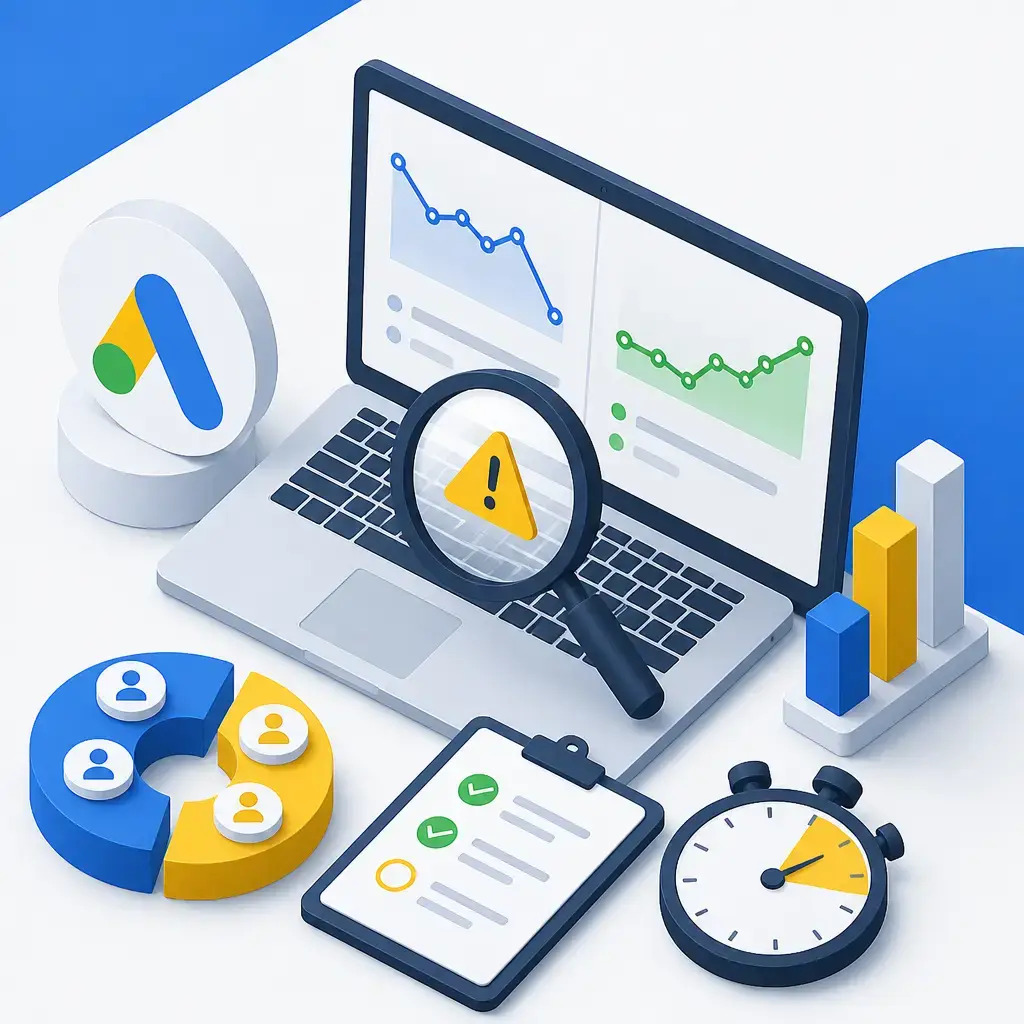
Your Google Ads stopped converting overnight and the panic sets in. Before you slash budgets, swap bid strategies, or fire off an angry email to your agency, do one thing: check whether your conversions are actually being tracked. Around 50% of "sudden conversion drops" aren't drops at all. The leads and sales are still coming in, they're just not being recorded. So the first job is never "fix the campaign". It's "prove what's broken".
This guide walks you through a 30-minute diagnostic that tells you, quickly, whether you've got a tracking problem, a campaign problem, or something happening outside your account entirely. Then it covers the eight things that actually cause these drops, ranked by how often they're the culprit, and a sensible order to fix them in.
Key takeaways
- Roughly half of "sudden" Google Ads conversion drops are tracking failures, not real drops. Check tracking first, always.
- A 30-minute diagnostic (test conversion, change history, account health, deeper tracking check) tells you where the problem actually sits before you touch a single bid.
- Broken conversion tracking is the single biggest cause, accounting for 35 to 50% of cases.
- Google's auto-applied recommendations can change your account without your approval. Turn them off.
- Daily tracking verification and a weekly Auction Insights check catch problems within 24 hours instead of after a week of wasted spend.
Run the 30-minute diagnostic before you change anything
The instinct when conversions fall off a cliff is to start fiddling. Don't. If you change bids, budgets and targeting before you know what's wrong, you'll bury the real cause under a pile of new variables and you'll never untangle it. Work through these four steps in order. Most of the time you'll have your answer well inside half an hour.
Step 1: Verify conversions are actually tracking (10 minutes)
This is the step people skip, and it's the one that matters most. Because half of all "drops" are recording failures, you check this first, every single time.
Here's the process:
- Open your website in an incognito browser window.
- Submit a test conversion, a form fill or whatever counts as a conversion for you.
- Wait 30 to 60 minutes.
- In Google Ads, go to Tools & Settings > Conversions and open your conversion action.
- Check the test conversion appears with a "Recording conversions" status.
If your test conversion shows up, your tracking is fine and the problem is real. That points you at bidding, competitors, landing pages or the market. If your test conversion doesn't appear, your tracking is broken. The conversions are happening, you just can't see them. Jump straight to Step 4.
Step 2: Check your change history (5 minutes)
Go to Tools & Settings > Change History and filter to the last 14 days. You're looking for anything that moved:
- Budget changes
- Bid strategy changes
- Campaign status changes (something got paused)
- Keyword status changes
- Ad approval changes
- General settings changes
A huge share of "external" problems turn out to be internal. A team member tweaked something. An agency made a change they didn't flag. Or Google's automated recommendations quietly applied themselves. The change history is a timestamped record of everything that happened, so if performance fell off a particular date, this tells you what changed around then.
Step 3: Check account health indicators (5 minutes)
Three quick checks here. First, Tools & Settings > Account access & security, looking for policy violations or account suspensions. Second, your Campaigns view, scanning for disapproved ads (each comes with a reason code telling you why). Third, Billing & Payments, where a failed payment or budget interruption can quietly throttle everything without any obvious warning.
This one catches you out more than you'd think. A card expires, the payment fails, and your ads stop serving. It doesn't look like a conversion problem, it looks like the world went quiet.
Step 4: Detailed tracking diagnostic (10 minutes)
Only do this if Step 1 told you tracking is broken. There are three things to check.
Container health. If you use Google Tag Manager, open it and click Preview. Submit a test conversion on your site and watch whether the tags fire in the right order. Common failures: tags blocked by a consent management update, triggers that got misconfigured after a recent change, or a container that was deployed but never actually published. That last one is brutally common. Someone makes the change, forgets to hit publish, and the live site never gets it.
Website code changes. Check your git history or website change log for the past 14 days. The usual suspects: a theme update overwrote your tracking code, a plugin update broke form submissions, a redirect change broke confirmation page tracking, or a CDN change affected how your JavaScript loads. If you run WordPress, this is exactly the kind of thing a proper website maintenance plan is meant to catch, because the people doing your updates know the tracking is there and know not to clobber it.
The tag itself. View the page source on your conversion confirmation page and search for "google_conversion_id" or your specific conversion tag. Confirm it's present and set up correctly. The Google Tag Assistant Chrome extension lets you validate that the tag actually fires when it should.
The 8 things that actually cause conversion drops
Once the diagnostic has pointed you in a direction, you can match the symptoms to a root cause. These are ranked by how often each one is to blame, which matters: don't go hunting for an exotic algorithm change when the boring answer (broken tracking) covers up to half of all cases.
Cause 1: Conversion tracking broken (35 to 50% of cases)
This is the big one. If your Step 1 test conversion didn't appear, or appeared with the wrong values, or appeared as duplicates, this is you.
The common sub-causes read like a list of everyday website maintenance events:
- A theme or plugin update broke the tracking code.
- GTM preview mode got left enabled, which blocks live tracking.
- A consent management platform update is now blocking the Google Ads pixel.
- A form plugin update changed the event names your tracking depended on.
- The confirmation page URL changed and nobody updated the tracking to match.
- An HTTPS certificate expired, causing the pixel to fail to load.
Fix timeline: anywhere from 30 minutes to 4 hours depending on how deep the problem goes. Often the fastest fix is simply reverting the recent website change that caused it, or rebuilding the tracking through GTM and republishing.
The thread running through every one of these is that they're triggered by website changes, not by Google Ads. Your ad account didn't do anything wrong. Something on your site shifted underneath it. That's why these get missed for so long: marketers look in the ad account, and the answer is in the website.
Cause 2: Landing page issues (10 to 15% of cases)
Sometimes the conversion never had a chance to happen because the page broke. To check, visit your landing pages in incognito mode on both mobile and desktop. Try submitting the forms. Check the load speed. Look for broken images, broken layouts or 404 errors.
What goes wrong here:
- The form action URL changed and submissions are silently failing.
- The form throws an error that only the user sees, not you.
- The confirmation page redirect broke, so the form submits but no thank-you page loads (which also kills tracking that fires on that page).
- Load time ballooned because of script bloat.
- The mobile layout broke while desktop still works fine, so you'd never spot it from your own machine.
- A trust signal image broke, quietly dragging your conversion rate down.
That "mobile broke, desktop fine" point deserves a flag. Most business owners check their site on the laptop they're sat at. If the form's broken on phones and most of your traffic is mobile, you can lose the bulk of your conversions while your own quick check looks perfectly healthy.
Cause 3: Smart Bidding mis-optimisation (10 to 15% of cases)
This one is sneaky because tracking still works. Your Step 1 test passes, conversions are recording, but the quality of the leads or the sale outcomes has shifted. Smart Bidding has learned the wrong patterns and is now optimising towards them.
Common causes:
- Google's automatic recommendations applied themselves without your approval (check your Auto-Applied Recommendations setting).
- The conversion definition changed but Smart Bidding hasn't caught up.
- Target CPA or Target ROAS got adjusted too aggressively.
- You switched from Manual to Smart Bidding during a low-volume period, so it never had enough data to learn properly.
- New conversions were added to the optimisation without enough volume behind them.
Fix timeline: 14 to 30 days for Smart Bidding to re-learn after you make corrections. Sometimes the cleanest reset is switching to Manual CPC temporarily while the learning period resets. The hard truth here is patience. You can't force an algorithm to relearn faster than it will, so the worst thing you can do is panic-edit it every day and keep restarting the clock.
Cause 4: Competitor activity (8 to 12% of cases)
Check your Auction Insights report and compare the competitive picture now against 30 days ago. If new competitors have appeared, or existing ones have a much higher impression share, you're getting squeezed.
What tends to be behind it:
- A new competitor entering the market with aggressive bidding.
- An existing competitor doubling their budget.
- A competitor running a promotion that's pulling your prospects away.
- A competitor improving their Quality Score significantly, which lets them outrank you for less.
- A competitor expanding their geographic targeting into your patch.
This is one of the few causes that's genuinely outside your control. You can't make a rival stop spending. What you can do is decide whether the auction is still worth fighting for at the new price, or whether your money works harder elsewhere.
Cause 5: Google algorithm updates (5 to 10% of cases)
Sometimes the drop lines up with a Google Ads platform update, the kind usually announced on Google's own blog. The tell here is that the impact is industry-wide. Your competitors got hit the same way, so it's not just you.
Examples include changes to Performance Max default behaviour, Smart Bidding algorithm updates, match type behaviour changes, ad approval policy changes, and privacy-related tracking changes such as iOS updates and third-party cookie deprecation. There's no quick fix for these, you adapt to the new reality rather than trying to undo it.
Cause 6: Ad disapprovals or account issues (3 to 5% of cases)
Your Step 3 health check covers this. Disapproved ads or an account suspension. The thing that catches people out: sometimes only certain ads are disapproved while the rest run normally. That makes it look like a general performance slump when it's really a handful of specific ads that have stopped showing.
Cause 7: Market seasonality (5 to 10% of cases)
Not every drop is a problem. Compare your current performance to the same period last year. If you sell something seasonal, some of those "sudden" drops are just the calendar doing what it always does, arriving exactly when you'd expect. Year-on-year comparison is the only way to separate a real problem from a predictable dip.
Cause 8: External events (rare)
The genuinely outside-your-control stuff. A major news event that dampens commercial activity, severe local weather or emergencies, an economic shift hitting your specific sector, or political events knocking buyer confidence. Rare, but worth keeping in mind before you tear your account apart looking for a fault that isn't there.
A sensible order to fix things
Once you know the cause, work through fixes in tiers, fastest and cheapest first. Don't jump to a full rebuild when republishing a container would have done it.
| Tier | Time | What you do |
|---|---|---|
| Tier 1: Quick fixes | 30 min to 2 hours | Republish your GTM container, reactivate any paused campaigns, reverse unauthorised changes via Change History, fix broken landing page elements, resolve disapproved ads |
| Tier 2: Detailed fixes | 2 to 8 hours | Rebuild tracking pixels from scratch through GTM, reconfigure conversion actions, set up Enhanced Conversions for Leads, switch Smart Bidding to Manual CPC for a learning reset, audit landing pages properly |
| Tier 3: Strategic fixes | 1 to 4 weeks | Deploy offline conversion tracking, rebuild your competitive positioning, launch dedicated landing pages, restructure the account around the new market reality |
The point of the tiers is discipline. Most problems are solved in Tier 1. If you find yourself in Tier 3 every time something dips, the issue probably isn't the dip, it's that your tracking and account hygiene aren't solid enough to tell you what's really going on.
How to stop this happening again
Fixing the drop is reactive. The real win is catching problems before they cost you a week of spend. Four habits do most of the work.
Verify conversion tracking daily. Set up automated daily verification that conversions are recording. Tools like Conversion Tracking Verifier, or a custom monitoring script, catch tracking failures within 24 hours instead of after a week of missed data. Given that broken tracking is the single biggest cause of these drops, this one habit prevents the majority of "sudden" disasters.
Review Auction Insights weekly. A 15-minute weekly look at Auction Insights catches competitor shifts early, while they're a nudge rather than a crisis. By the time a competitor's extra spend shows up in your conversion numbers, you've already lost ground. Spotting it in the auction data buys you time to respond.
Disable auto-applied recommendations. Google's auto-applied recommendations feature lets Google change your account without asking you first. Turn it off in Tools & Settings > Recommendations > Auto-apply, and force every recommendation to go through manual review. Some of those suggestions are fine. Plenty aren't, and you want to be the one deciding, not waking up to changes you never sanctioned.
Document your changes. Keep a record of what you change and when. When something dips, a change log lets you line up the drop against what you did and spot the cause in seconds rather than guessing. It also protects you when more than one person, or an agency, has access to the account.
Where website maintenance and ads overlap
Here's the thing that gets missed in most Google Ads advice: the biggest single cause of conversion drops lives in your website, not your ad account. Theme updates, plugin updates, expired certificates, broken redirects, consent banner changes. Every one of those can kill your tracking, and every one of them is a website maintenance event.
That's why the agencies who run your ads and the people who look after your site need to talk to each other. If a plugin update is going to touch your forms or your confirmation pages, someone should be checking the tracking still fires afterwards. When that loop is broken, you get exactly the situation this guide is about: conversions vanishing for reasons that have nothing to do with your campaigns. A joined-up website maintenance plan that knows your tracking is in place, and a properly run paid advertising setup that watches for these failures, stop most of these problems before they cost you anything.
Next time your Google Ads stopped converting and the panic hits, resist the urge to start changing things. Run the test conversion. Check the change history. Find out what's actually broken, then fix that one thing. If you'd rather have someone monitoring your tracking and your campaigns so you never have to run this fire drill yourself, talk to us about managing your paid advertising.
Frequently asked questions
Why did my Google Ads conversions suddenly drop to zero?
Most often it's broken tracking, not a real drop. Around 35 to 50% of sudden conversion drops are tracking failures, where leads and sales are still coming in but aren't being recorded. Run a test conversion in an incognito window, wait 30 to 60 minutes, and check whether it appears in Google Ads with a "Recording conversions" status. If it doesn't show up, your tracking is broken, usually because of a recent website, theme, plugin or consent banner change.
How do I check if my Google Ads conversion tracking is working?
Open your site in incognito mode, submit a test conversion, wait 30 to 60 minutes, then go to Tools & Settings > Conversions in Google Ads and open your conversion action. If the test conversion appears with a "Recording conversions" status, tracking is fine. If it doesn't, check your Google Tag Manager container is published, look for recent website code changes, and use the Google Tag Assistant Chrome extension to confirm the tag fires on your confirmation page.
Should I turn off Google's auto-applied recommendations?
Yes, in most cases. Auto-applied recommendations let Google change your account without your approval, and those changes can quietly shift your performance or push Smart Bidding in the wrong direction. Disable the feature in Tools & Settings > Recommendations > Auto-apply so every recommendation requires manual review and you stay in control of what changes.
How long does Smart Bidding take to recover after a problem?
Expect 14 to 30 days for Smart Bidding to re-learn after you make corrections. If it's badly off track, switching to Manual CPC temporarily can reset the learning period. The key is patience: constant daily edits keep restarting the learning clock and make the recovery take longer.
Related articles
- Paid Ads

Instagram Now Lets You Reorder Your Grid: What It Means for Your Business Profile
17 August 2026 - Paid Ads
Lower CAC Beats More Traffic: Why Conversion Rate Is the Number That Pays
14 August 2026 - Paid Ads

How a Dental Practice Can Win More Patients and Turn More Website Visitors Into Bookings
3 August 2026
Related services
Need a hand with this? Here's how IceBoxDesigns can help.