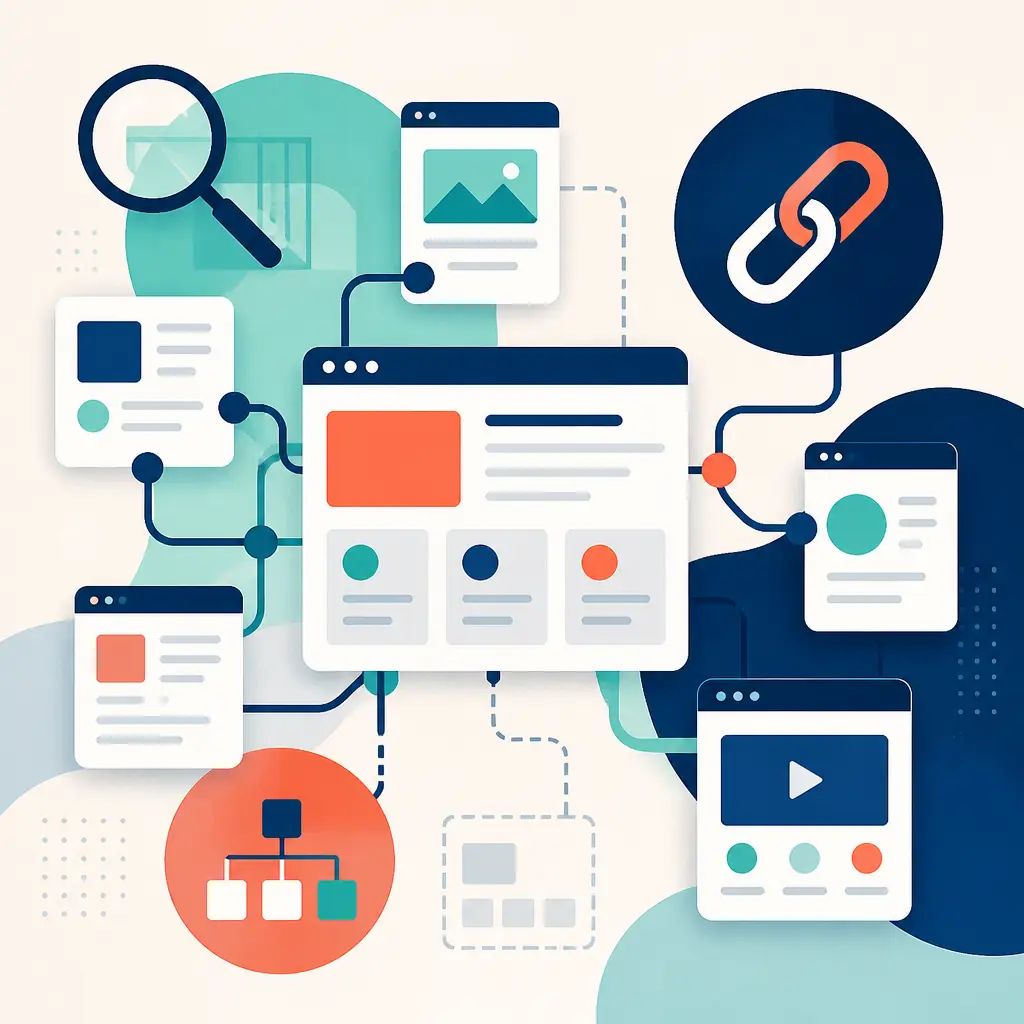
Most businesses treat SEO as keywords, blogs, and backlinks. All of those matter. But one of the most consistently overlooked pieces is how the pages on your own website connect to each other. That's internal linking, and getting it wrong quietly undermines everything else you're doing.
Key Takeaways
- Internal linking means linking one page on your site to another, and it directly affects how Google crawls, understands, and ranks your content.
- Weak internal linking creates orphan pages, muddies your site structure, and stops strong pages from supporting weaker ones.
- Contextual links inside body copy carry more strategic value than menu or footer links alone.
- Internal linking also supports GEO (generative engine optimisation), helping AI-driven search tools understand what your site is really about.
- Five practical fixes: descriptive anchor text, contextual links between related pages, fixing orphan pages, building topic clusters, and treating your site like a connected system rather than a stack of separate brochures.
What Internal Linking Actually Is
An internal link is simply a link from one page on your website to another page on the same website. That includes service pages, blog posts, guides, and landing pages.
Those links do two things at once. They help visitors move from one relevant page to the next without hitting dead ends. And they help search engines understand your site's hierarchy, discover supporting content, and work out which pages carry the most weight.
A menu link tells Google and visitors that a page exists. A contextual link placed naturally inside a blog post or service page tells them why that page matters and how it relates to what they're already reading. That distinction is where strategy starts to separate itself from habit.
What Happens When Internal Linking Is Weak
Poor internal linking has real, measurable consequences:
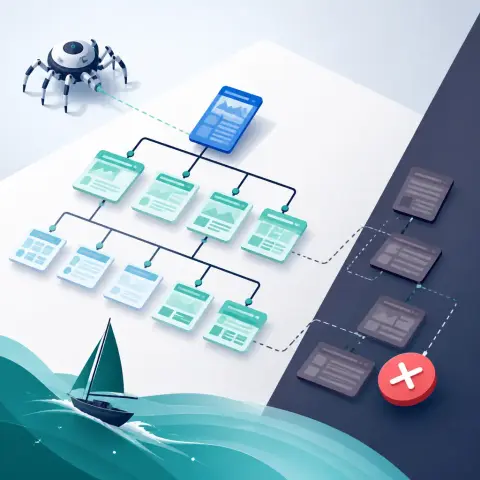
- Google has a harder time finding and crawling important pages.
- Your site structure becomes less clear, so search engines struggle to work out what the site is really about.
- Strong pages do less to support weaker ones, leaving value on the table.
- Orphan pages (pages with no internal links pointing to them) become difficult to find and index, even if the content on them is good.
The result is that important content gets missed, weaker pages stay weak, and the site becomes harder to navigate for both users and search engines.
Internal Linking vs External Linking: Not the Same Job
People often lump all links together and call it "linking". Internal and external links do very different jobs, though.
| Link type | What it connects | Primary purpose |
|---|---|---|
| Internal | One page on your site to another page on your site | Site structure, crawlability, distributing authority |
| External | Your site to a page on a different domain | Trust signals, sourcing, credibility |
Internal linking helps distribute authority across your site and improves how it's crawled and indexed. External links can make your content more trustworthy when they point to reputable, relevant sources. Both matter for SEO, but treating them as interchangeable misses the point of each.
Does Internal Linking Help SEO and GEO?
Yes to both. SEO has always depended on crawlability, relevance, and authority. But there's a newer dimension worth understanding: GEO, or generative engine optimisation.
AI-driven search tools are trying to understand context, relationships, and topic depth. They're looking for signals that show which pages belong together and which page is the strongest answer on a given subject. A well-linked site makes that easier to signal.
Internal linking helps GEO in four specific ways:
- Context and relationships. Connecting related pages helps AI and search engines understand your content and how ideas relate to each other.
- Crawlability. Important pages get discovered and indexed more easily when other pages link to them.
- Topical authority. A cluster of well-connected pages shows that your site covers a subject in depth, not just at surface level.
- User engagement. Guiding visitors to a logical next step improves time on site and can reduce bounce rate.
If your content is scattered, search engines and AI tools have to work harder to figure out what the site is actually about. If your pages connect logically, the structure starts doing some of that explaining for you.
5 Internal Linking Best Practices That Actually Help
Throwing in a few "read more" links and a footer nav isn't a strategy. If you want internal linking to improve rankings, usability, and GEO performance, it has to be intentional.
1. Use Descriptive Anchor Text
The clickable text of a link (the anchor text) should tell both people and search engines what they're about to land on. Generic phrases like "read more" or "click here" add no context. Clear, descriptive anchor text explains what the linked page is about, strengthens topical relevance, and makes the path through the site easier to follow.
2. Link Related Pages Together in Body Copy
The strongest internal links usually sit inside the body copy of a page, where they connect one relevant idea to the next. This builds topical relationships across the site, gives supporting pages a purpose, and creates a more natural experience for the reader because the next click actually makes sense.
3. Fix Orphan Pages
An orphan page is one that no other page on your site links to. Even a well-written, well-optimised page can underperform if nothing points to it. Check your site for orphan pages and connect them into the wider structure. A simple internal link from a related blog post or service page can make a real difference.
4. Build Topic Clusters Around Pillar Pages
Topic clusters organise related content around one broad subject. The pillar page covers that subject at a high level. Supporting pages go deeper on specific aspects and link back to the pillar. This approach signals topical authority clearly, both to users and to search engines, and it's one of the cleaner ways to structure a growing content library.
5. Think of Your Site as a Connected System
A website should behave less like a stack of separate brochures and more like a team where everyone knows who to pass the conversation to next. Every time you publish a new page or post, ask which existing pages should link to it, and which pages it should link to. That habit, applied consistently, is what separates a well-structured site from one that works against itself.
If you're looking for hands-on help keeping your site structure clean and your SEO fundamentals solid, our website maintenance service covers exactly this kind of ongoing work. And if your site needs a more substantial structural overhaul, it's worth exploring what paid advertising and SEO support looks like as part of a wider growth strategy.
Start With What You Already Have
You probably don't need more content. You need the content you already have to stop working against itself. A proper internal linking audit will often surface quick wins: orphan pages that just need one link pointing to them, strong posts that aren't linking out to relevant service pages, and anchor text that's too vague to do any real work.
Start there. It's one of the highest-leverage improvements you can make to a site, and it costs nothing but attention.
Frequently asked questions
What is internal linking in SEO?
Internal linking means linking one page on your website to another page on the same website. It helps search engines crawl and index your site, understand your content hierarchy, and identify which pages carry the most weight. It also helps visitors navigate between related pages without hitting dead ends.
What is an orphan page and why is it a problem?
An orphan page is a page on your site that no other page links to. Because search engines largely discover pages by following links, an orphan page is much harder to find and index. Even strong content can underperform if nothing on the site points to it.
What's the difference between internal and external links?
Internal links connect pages within the same website. They help with site structure, crawlability, and distributing authority across your pages. External links point from your site to a page on a different domain, and they're mainly used to add credibility and source claims. Both matter for SEO, but they serve different purposes.
Does internal linking help with AI-driven search results?
Yes. Beyond traditional SEO, internal linking also supports GEO (generative engine optimisation). AI-driven search tools look for signals that show which pages belong together and which is the strongest answer on a topic. A well-linked site with clear topic clusters makes it easier for those tools to understand your content and surface it in relevant results.
Related articles

Related services
Need a hand with this? Here's how IceBoxDesigns can help.