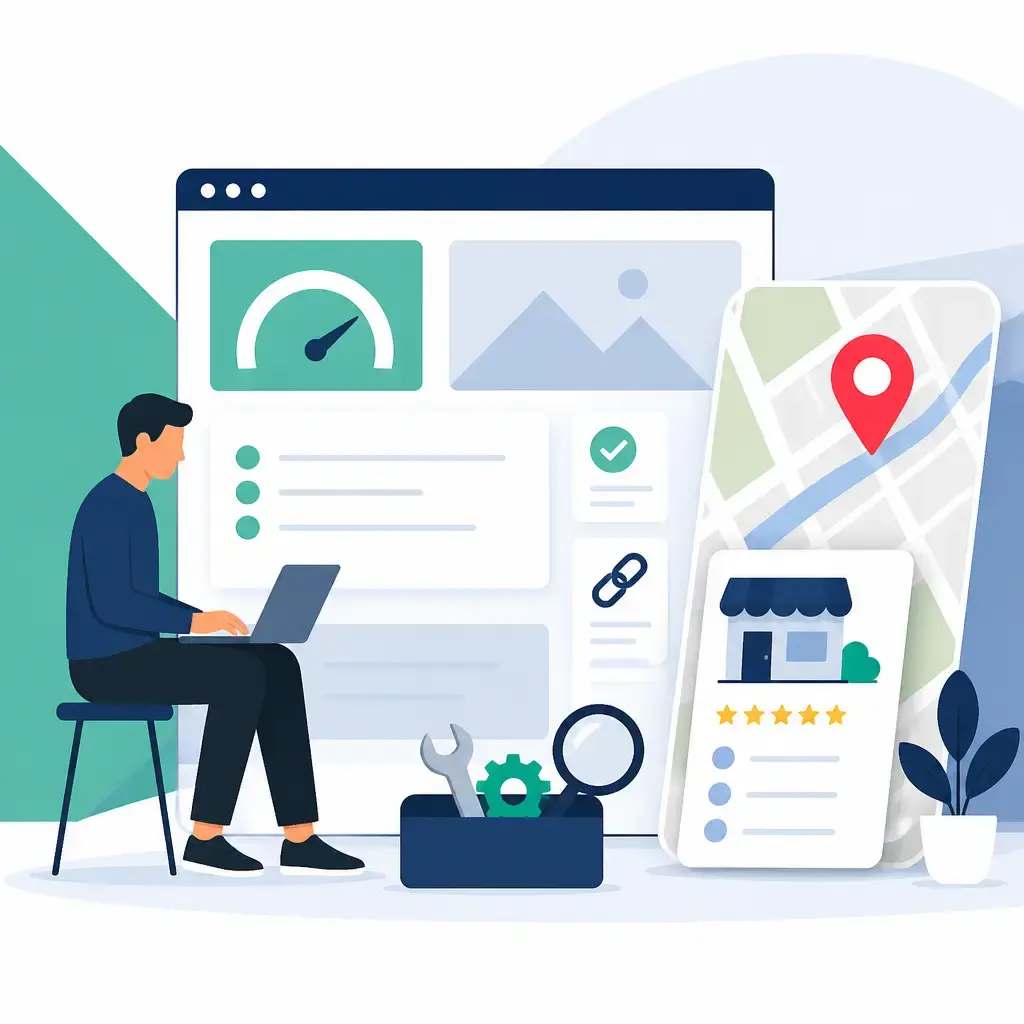
You don't need an agency or a fat budget to make a real dent in your search rankings. Most of the work that moves the needle, page structure, copy, metadata, internal links and a properly filled-out Google listing, you can do yourself with nothing more than access to your website, Google Search Console and a bit of patience. This DIY SEO guide pulls together the on-page and local groundwork so you can start ranking without a rebuild.
A quick reality check on timing. Technical fixes can move fast, but content and authority compound over a quarter. Expect roughly 45 to 120 days before you see meaningful results, and budget anywhere from £0 to about £100 a month depending on whether you pay for tools to speed up keyword research, crawling and reporting. Most of the steps below cost nothing.
Key takeaways
- Every SEO decision should pass one test: does it make the page better for the visitor? If yes, you're almost always doing the right thing for Google too.
- Speed first, then content. A slow site bleeds visitors before they ever read your great copy, so fix load times before you obsess over keywords.
- Pass all three Core Web Vitals (LCP, INP and CLS) and test on mobile, not desktop, because most failures hide on slower real-world phones.
- For local visibility, a fully completed Google Business listing with consistent NAP details (name, address, phone) is your single biggest lever.
- Update title tags and meta descriptions, don't target the same keyword on two pages, and keep your website's contact details matching your Google listing exactly.
Put the user first, and Google second
Google's algorithm exists to find and rank sites that give people a good experience. It isn't perfect, you'll still see clunky sites and thin content sitting at the top, but with billions of pages to crawl and rank, perfection was never on the cards. The point stands: when visitors stick around, read, call you or click, your site is doing its job, and Google notices.
Google itself tells website owners to optimise for the user in its SEO Starter Guide. That's the mindset shift. Don't sit down to write "great content for SEO". Sit down and ask what will keep the customer engaged once they land. Same task, completely different result.
Keep this one test in your back pocket for every change you make. Does this make the page better for the visitor? If the answer is yes, you're almost certainly doing the right thing for rankings too. If you're only doing it for the algorithm, stop and rethink.
That phrase "content is king" has been knocking around the industry for well over a decade, and it's still true. Content matters more than ever. But great content that answers a question only gets you so far. You also need usability, a clean user experience, sensible content organisation and accessibility. There are hundreds of factors Google weighs up, and copy is only one of them.
Speed first: why a fast site beats clever content
When you add anything to your site, load times decide whether people stay. If your pages crawl, visitors leave and go to a competitor. Simple as that. Great content is wasted if nobody hangs around to read it, so before you pour effort into copy, put real effort into how fast your site loads from the visitor's point of view.
The right approach varies by who you're serving. A service business like a doctor's surgery or a law firm has different needs from a blogger or an online shop. But whatever your industry, it always starts with the same two questions: what loads first, and how long does the whole page take to finish loading?
Start with two free tools. Run your pages through Google's PageSpeed Insights and set up a Google Search Console account. Between them you'll get reports on site health, traffic performance, errors and more. PageSpeed Insights also reports on Core Web Vitals, which we'll break down next. Pass those tests, then move on to creating great content.
One practical note for UK businesses on shared hosting: speed problems often trace back to bloated themes, too many plugins and uncompressed images rather than anything exotic. If you'd rather not wrestle with this yourself, ongoing speed and health checks are exactly what a proper website maintenance plan is there to handle.
Core Web Vitals: the three numbers you actually need to pass
Core Web Vitals are three scores Google looks at, and you want to pass all three. When you open your PageSpeed Insights report, these are the bits worth understanding so you know what's failing and why.
LCP, Largest Contentful Paint
This measures how quickly the biggest thing on the page appears, usually your hero image or main heading. It should show up in under 2.5 seconds. Anything over 4 seconds fails. The usual fixes are compressing your images and serving them through a CDN (a content delivery network that stores copies of your files closer to your visitors).
INP, Interaction to Next Paint
When someone taps a button or a link, the page should respond visually in under 200 milliseconds. Anything over 500 milliseconds fails. This one is usually about cutting JavaScript bloat and removing plugins you don't really need.
CLS, Cumulative Layout Shift
This catches pages that jump around as they load, the kind where you go to tap one thing and an ad shoves it out of the way at the last second. A score under 0.1 passes; over 0.25 fails. The fix is setting a width and height on every image and reserving space for anything that loads in late, like ads.
| Metric | What it measures | Pass | Fail | Usual fix |
|---|---|---|---|---|
| LCP | How fast the biggest element appears | Under 2.5s | Over 4s | Compress images, use a CDN |
| INP | How fast the page responds to a tap | Under 200ms | Over 500ms | Reduce JavaScript, remove plugins |
| CLS | How much the layout jumps about | Under 0.1 | Over 0.25 | Set image width/height, reserve space for ads |
One tip that catches a lot of people out: run the test on the mobile tab in PageSpeed Insights, not desktop. Google ranks mobile and desktop separately, and most failures hide on mobile because real-world phones are slower than the laptop you're testing on.
Don't stop at speed: time on site and bounce rate
A slow site causes high bounce rates, that's obvious. But you also want to push time-on-site up, and that's where design, content quality and even font sizes and colour come in.
Think about who you're writing for. Your demographic should shape the design and the size of your text. If your audience skews older, put real thought into how easy your content is to read. Google Analytics can tell you about your site's demographics, so you're not guessing.
Image placement matters too. Can a visitor see your content straight away, or do they have to scroll past a giant banner first? Does your title and banner make it instantly clear they've landed on the right site? Are there images so heavy they slow the page or break up the text awkwardly? These are small things that quietly cost you visitors.
Here are some practical pointers to work through:
- Test on real devices, not just yours. Open your site on your phone, then find someone with a device you don't own. If you're on iOS, borrow an Android. Don't forget Windows versus macOS, and tablets. Emulators exist, and there are plenty of free ones, but nothing beats a real device for accuracy.
- Know your audience. It's your industry, so you should know your target demographic. If your audience spans different ages and backgrounds, take a sensible middle-of-the-road approach to design.
- Keep images in check. Don't let an oversized image, in file size or on screen, push your headline so far down the page that nobody sees it without scrolling.
- Don't spam the top of the page. Avoid cramming calls to action and marketing messages above the fold.
- Go easy on pop-ups. Avoid them where you can. At the very least, don't set a pop-up and forget it; check your analytics before and after you add one to see what it's actually doing.
- Format for readability. Break content up with header tags, subheadings and proper paragraphs. Nobody reads a wall of text.
On-page SEO: title tags, meta descriptions and content
Having a website is important, though for some local businesses it isn't strictly vital, it depends on your industry, competition and location. In lower-competition towns you can sometimes rank without one, and occasionally even in bigger cities, though that's rare. If you do have a website, a handful of on-page fixes will help it grow in search and improve your local reach.
Google reads your site for signals: usability, content quality, speed, mobile-friendliness and whether the address on your site matches the one on your Google listing. It uses your pages to work out what services you offer and which keywords you should show up for.
Title tags. Update your title tags and put your main keywords in them. On WordPress, the easiest way to manage this is the Yoast SEO plugin, which is free and straightforward to install and configure. Start with your most important pages, your service or product pages and your homepage, then work down to your blog and the rest.
One keyword per page. Don't target the same keyword on multiple pages. It makes ranking harder and can confuse Google about which page to show. Give each page its own focus.
Meta descriptions. This is the snippet under your link in search results, so treat it as your sales pitch. Yoast lets you edit this on the same screen as your title tag.
Content. Use variations of your main and sub-category search terms (the phrases customers actually type to find you) throughout your copy. Start with the page title itself, which should clearly signal the page's topic to both Google and the reader.
NAP and citations. Make sure your name, address and phone number on your site exactly match your Google Business listing, character for character. It's another trust signal. Put your NAP in the footer of every page, and embed your Google map on your contact page so people can get directions and see your reviews.
If your site runs on WordPress and you'd rather a developer handled the plugin setup, title tags and structure properly the first time, that's the kind of work our WordPress development team takes off your plate. There's more on the trade-offs of the platform in our rundown of WordPress advantages and disadvantages for UK business owners.
Getting onto Google Maps: local SEO that works
If you serve a local area, Google Maps is where a huge chunk of your customers are looking. Ranking there comes down to one idea: Google looks at lots of signals to decide whether it trusts your business enough to show it. Those signals include positive reviews, your website, citations on directories like Yellow Pages, and social signals from places like Facebook. Your job is to send those signals and give Google reasons to trust you.
Create and complete your Google Business listing
Head to Google Business and create your listing using a Google account you actually use and won't lose, because reclaiming a listing tied to a forgotten account is a pain. Google will ask you to find your business in its database. It might already be listed but unverified, in which case you just verify and fill in the gaps. If it isn't there, you create it from scratch. Either way, fill out everything fully and accurately. A complete profile is the first step to ranking on Maps.
A few things to get right:
- Category selection. Choose the most relevant business category as your main one. Not sure? Look at what your competitors use as their main category. Check a few; if they all match, follow suit, and add sub-categories later.
- NAP consistency. Name, address and phone number. Use your exact business name, address and phone number, and stick to it everywhere, including your website. Google checks your details against authoritative sources, so inconsistencies can cause it to overlook you. If you write out "Maple Drive" in your listing, write it the same way everywhere; "Maple Dr." can potentially hurt you, although Google seems to care less about this than it used to.
- Fill in everything. Don't skimp on photos or your business description. When you write the description, don't stuff it with keywords. This is your brand, so explain who you are and what you do in plain language.
There's a tip worth flagging on naming. Local businesses with keywords in the name have tended to rank better since the early days of local search. If you're a brand new business going online, you can sensibly tweak your business name so it's relevant to the terms customers will search, just make sure you're registered under that same name at every official level so it all lines up.
If you want the full walkthrough on the listing itself, our guide to Google Business Profile and why your local business needs one covers it in detail.
Reviews, the right way
Get reviews from customers as soon as your listing is verified and live. Google doesn't want you asking for positive reviews specifically, but there are above-board ways to encourage them. Hand out a card with every purchase that mentions Google and your reviews, or print a short link to your listing (you can create a short name and URL for your business in your dashboard). Add that link to your email signature. When a customer thanks you for great service, that's your moment: ask them to share their experience on Google and send them the link. There are tools that automate the follow-up, but the manual version costs nothing.
A sensible order to do all this in
If the list above feels like a lot, here's the order we'd tackle it in. Speed and Core Web Vitals come first, because they protect every visitor you're already paying or working to attract. Get your PageSpeed Insights report clean on mobile, sort the images and trim the plugin bloat. Then move to your Google Business listing, since for most local businesses that's the fastest route to new enquiries. After that, work through on-page basics: title tags, meta descriptions and clear, readable content, starting with your money pages. Reviews and citations run in the background, building trust over time.
This sequencing matters because the work compounds. A fast, well-structured site makes everything else more effective. There's no point chasing rankings to a page that takes six seconds to load and scares half your visitors off before they read a word.
The honest truth is that DIY SEO gets you a long way, especially on the fundamentals covered here. Where it tends to stall is when the technical fixes get fiddly, when speed problems sit deep in your theme or hosting, or when you simply don't have hours to spare each month. That's the point at which handing it to someone makes sense. If you'd rather your site's speed, updates and search health were looked after for you, take a look at our website maintenance service, and when you're ready, get in touch to talk through where your site is now and what's worth fixing first.
Frequently asked questions
How long does it take to see results from DIY SEO?
Plan for roughly 45 to 120 days. Technical fixes like speed improvements can show up quickly, but content and authority improvements compound over about a quarter, so the bigger gains build steadily rather than overnight.
What do I need to optimise my own website?
Not much. You need access to a website you can edit, a free Google Search Console account and a simple way to track leads or analytics. Most of the work is free; optional paid tools (up to around £100 a month) can speed up keyword research, crawling and reporting if you want them.
What are the three Core Web Vitals I need to pass?
LCP (Largest Contentful Paint) should be under 2.5 seconds, INP (Interaction to Next Paint) under 200 milliseconds, and CLS (Cumulative Layout Shift) under 0.1. Run the test on the mobile tab in Google PageSpeed Insights, since most failures hide on slower real-world phones.
Do I need a website to rank on Google Maps?
Not always. A website is important but not strictly vital for local ranking, it depends on your industry, competition and location. In lower-competition areas you can sometimes rank without one, but a complete Google Business listing with consistent name, address and phone details is the single biggest local lever either way.
Related articles


Related services
Need a hand with this? Here's how IceBoxDesigns can help.