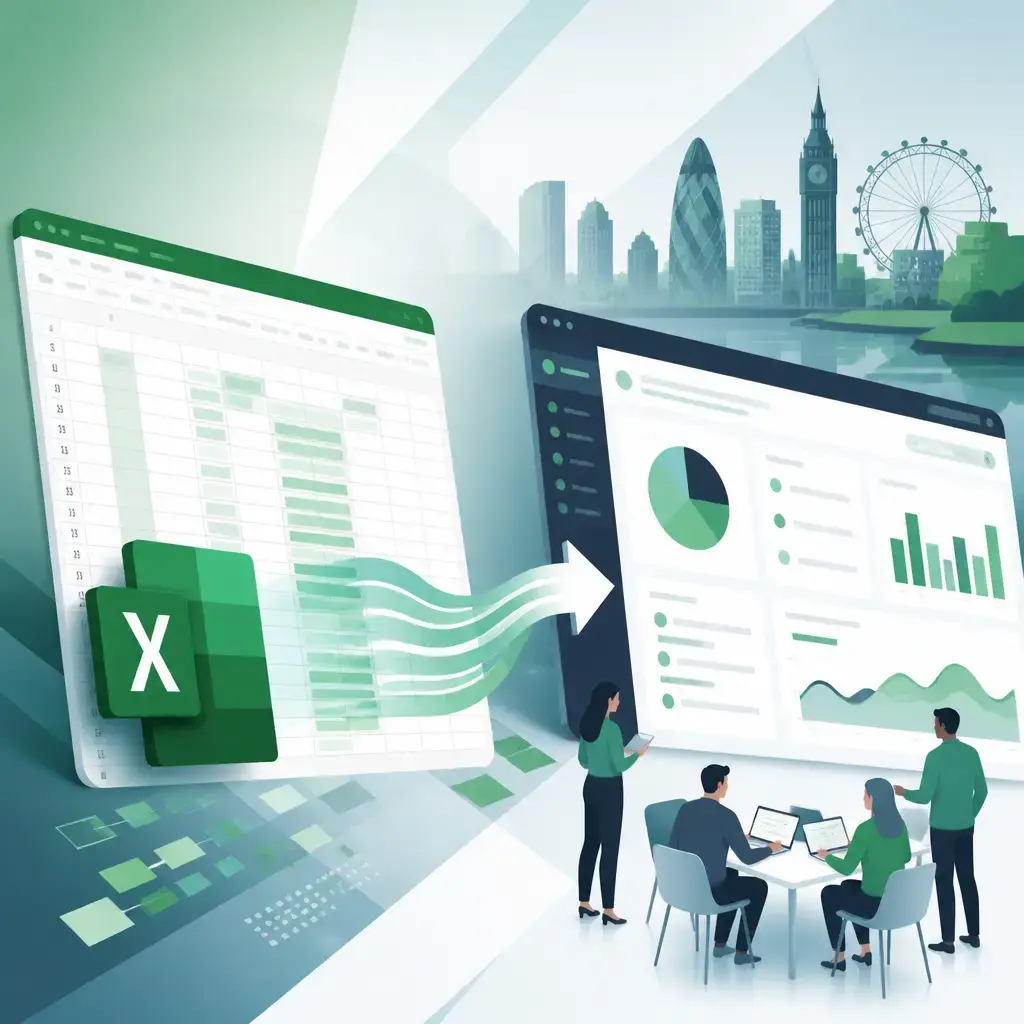
If your business still runs on Excel spreadsheets, you're not alone. Plenty of businesses across Manchester, London and throughout the UK rely on them daily. But there comes a point where those files start holding you back, they're slow to load, awkward to share, and one accidental overwrite away from disaster. Converting your spreadsheet into a web app fixes all of that, and this guide walks you through exactly why and how.
Key Takeaways
- Excel works brilliantly up to a point, but it struggles with large datasets, simultaneous users, and complex workflows.
- Converting to a web app gives you real-time collaboration, better security, automation, and a tailored user interface.
- The conversion process can be broken into seven clear stages: data import, database creation, adding functionality, UI design, integration and testing, deployment, and ongoing maintenance.
- Web apps built from Excel data can integrate with your existing tools, CRM, financial software, email platforms, to create a joined-up workflow.
- Businesses in retail, healthcare and many other sectors are already making this move to improve efficiency and decision-making.
Why Excel Eventually Lets You Down
Excel is genuinely brilliant for data analysis and storage, nobody's arguing otherwise. But as organisations grow and their data needs get more complex, the cracks start to show.
Scalability and performance. Excel slows down or becomes unresponsive when you're dealing with large datasets. A web app handles bigger volumes of data far more efficiently, so performance doesn't degrade as your business grows.
Collaboration and accessibility. Excel files typically live on someone's computer or a shared drive. That limits who can access them, when, and from where. A web app lives online, so multiple users can access and edit data at the same time, from any device, no emailing files back and forth, no version confusion.
Data integrity and security. When multiple people are working with the same spreadsheet, keeping data consistent is a real challenge. Web apps let you set user authentication and role-based access controls, so the right people see and edit the right data, and nothing else.
Automation and integration. Web apps can connect to your other business tools and automate repetitive tasks. That means less manual data entry, fewer errors, and workflows that actually run themselves.
Customisation and user experience. Excel gives everyone the same interface, whether they're a data analyst or someone who just needs to fill in a form. Web apps can be built around how your specific team actually works, with a layout and feature set that makes sense for them.
The upshot is that a web app can deliver real-time updates, automated reporting, and interactive dashboards, things a static Excel file simply cannot do.
The Seven Steps to Convert Excel to a Web App
The conversion process doesn't have to be complicated. Here's how it typically unfolds:
1. Data Import
You start by importing your Excel data into your chosen platform or development environment. The platform reads your file and brings in both the data and its structure, column headers, data types, relationships between sheets and so on.
2. Database Creation
The imported data gets organised into a proper database. Each row in your spreadsheet becomes a database record, and each column becomes a field. Many platforms handle this automatically, but a developer can also build a bespoke database structure that maps more cleanly to your actual business logic.
3. Adding Functionality
This is where the web app starts to earn its keep. You layer in features like custom data-entry forms, automated workflows, validation rules, and role-based permissions. These control how information is processed and shared in real time, things that are either impossible or painfully manual in Excel.
4. User Interface Design
You design how the app looks and feels. That includes buttons, charts, filters, navigation menus and any other elements your users need. The goal is an interface that's intuitive for the people who'll actually use it day-to-day, not just for whoever built it.
5. Integration and Testing
If the app needs to talk to other tools, a CRM, an accounting package, an email platform, those connections get built and tested here. You also run the app through its paces: checking that workflows behave correctly, data syncs properly, and user permissions work as intended.
6. Deployment
Once everything checks out, the app goes live. It becomes accessible to your users via a web browser, from any device with an internet connection.
7. Maintenance and Updates
A web app isn't a one-and-done project. You'll want to keep the data current, refine features as your needs change, and scale functionality as the business grows. Building in a plan for ongoing maintenance from the start saves a lot of headaches later, something our website maintenance service is designed to support.
What a Web App Can Do That Excel Can't
Interactive Elements
Web apps include clickable buttons, dropdown menus, real-time alerts, and dynamic forms. When someone submits a data-entry form, the database and any relevant reports or dashboards update automatically. In Excel, that's a manual job every single time.
Deep Customisation
You can tailor everything from the visual theme and layout through to custom workflows, personalised dashboards, and specific data analysis tools. The app fits your business, rather than your business fitting around the app.
Seamless Integration
A web app can connect to your CRM, your email marketing tools, your financial software, whatever you use. Data flows between systems automatically, cutting out manual re-entry and the errors that come with it. That kind of interconnected setup is genuinely hard to replicate in Excel.
Anywhere Access
Because the app runs in a browser, your team can use it from a laptop in the office, a phone on a client visit, or a tablet at home. You can also embed it into your company intranet or website, making it part of your wider digital setup rather than a standalone tool.
How Different Industries Are Using This
Retail
For retailers, moving from Excel to a web app can transform inventory and customer relationship management. Web apps allow real-time tracking of stock levels, sales, and customer interactions. Staff can update inventory instantly, maintaining accurate stock counts and avoiding overstocking or running out of products. When integrated with a CRM, the app can support personalised customer engagement based on live data, which feeds directly into customer satisfaction and loyalty.
Healthcare
Healthcare providers deal with patient data that needs to be both accessible and tightly secured. Web apps offer stronger security features than Excel, helping organisations meet regulatory requirements. They also allow real-time updates to patient records and treatment plans, so clinical teams always have accurate information in front of them.
These are just two examples. The same principles apply across logistics, professional services, construction, education and almost any sector where teams currently manage important data in spreadsheets.
No Code Platforms vs Bespoke Development
It's worth being clear about two different routes here. No-code platforms have made it much more accessible for people with limited technical experience to convert a spreadsheet into a basic web app. They provide drag-and-drop tools and handle a lot of the heavy lifting automatically, which works well for simpler use cases.
But if your spreadsheet is doing something genuinely complex, or if the resulting app needs to integrate deeply with other systems, handle sensitive data, or scale to serve hundreds of users, bespoke development is usually the better call. A custom-built app gives you full control over the database structure, the logic, the security model, and the user experience. Nothing is constrained by what a third-party platform happens to support.
For Manchester businesses, London businesses, and organisations right across the UK, this is often the point where working with a development agency pays for itself many times over. Rather than wrestling with a no-code tool's limitations, you get something built exactly for your needs.
Is It Time to Make the Switch?
If your team spends time chasing the latest version of a spreadsheet, if your Excel files take an age to open, or if you've ever lost data because two people saved conflicting versions, the answer is almost certainly yes.
Converting your spreadsheet into a web app isn't just a technical upgrade. It changes how your team collaborates, how confident you can be in your data, and how much of the repetitive admin work happens automatically. For growing businesses, that's a meaningful competitive advantage.
At IceBoxDesigns, we build custom web applications for businesses across Manchester, London and the UK, taking the data and processes you already rely on and turning them into fast, secure, purpose-built tools. If you've got a spreadsheet that's outgrown itself, get in touch and let's talk about what a proper web app could look like for you.
Frequently asked questions
How long does it take to convert an Excel spreadsheet into a web app?
It depends on the complexity of your spreadsheet and how many features the app needs. A straightforward conversion with a no-code platform can take days. A bespoke custom-built app with integrations and a tailored user interface typically takes several weeks. A developer can give you a proper estimate once they've reviewed your data and requirements.
Do I need coding knowledge to convert Excel to a web app?
Not necessarily. No-code platforms let you convert simpler spreadsheets without writing any code at all. For more complex needs, custom integrations, advanced security, or a fully tailored interface, a development agency will handle the technical side for you.
Will my existing Excel data be safe when converting to a web app?
Yes, if the process is handled correctly. Your original Excel file stays untouched during the import stage. A good developer will map your data carefully into the new database structure and test thoroughly before anything goes live.
Can a web app built from Excel integrate with my other business software?
Yes. Web apps can connect to CRM systems, financial software, email marketing tools, and many other platforms. This integration lets data flow automatically between systems, cutting out manual re-entry and reducing errors.
Related articles
- Software Development

eCoCs Explained: What the UK's Electronic Certificate of Conformity Means for Vehicle Manufacturers
10 September 2026 - Software Development

MVP to Scalable Product: How to Scope It Right and Know When to Scale
20 August 2026 - Software Development

Why ERP Integration, Not AI Tools, Is the Real Starting Point for Manufacturers
6 July 2026
Related services
Need a hand with this? Here's how IceBoxDesigns can help.