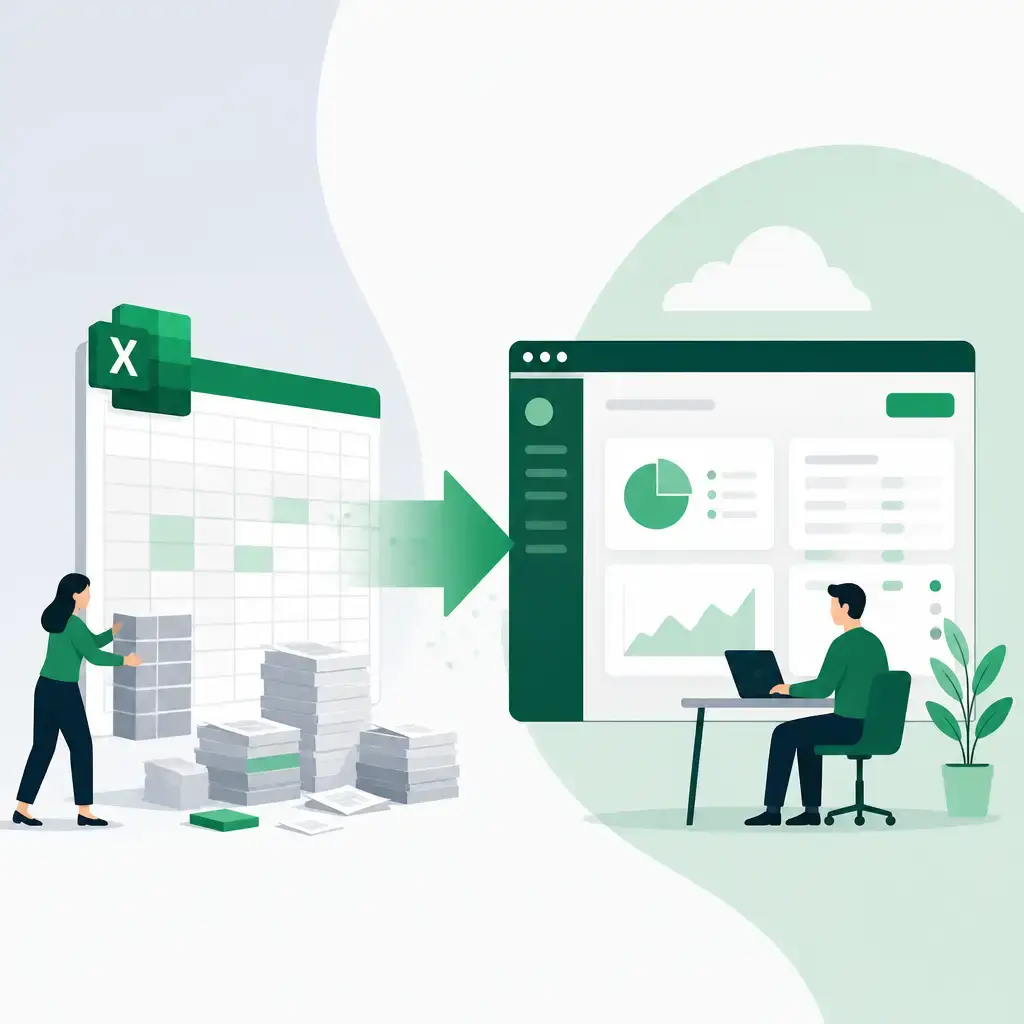
If your team is running something important on a spreadsheet, you're not alone. Finance teams, operations managers, customer support leads, almost every department has at least one macro-heavy Excel file doing the heavy lifting somewhere. The question isn't whether Excel is useful. It clearly is. The question is: when does relying on it become a genuine risk?
Excel macros vs custom software is one of the most common dilemmas we hear from small and medium-sized businesses. This article breaks down what each option is actually good at, the signals that tell you it's time to move on from a spreadsheet, and a practical hybrid approach that many organisations use to bridge the gap.
Key Takeaways
- Excel macros are excellent for speed, low-cost prototyping and tactical automation, but they carry real risks around scalability, governance and maintainability.
- Custom software brings structure, security, proper access control and the ability to grow with your business.
- The most common mistake isn't using Excel, it's staying in Excel for too long once a process becomes business-critical.
- A hybrid approach (prototype in Excel, then transition core logic to a proper application) tends to deliver the best long-term outcome.
- Six questions can help you decide: how important is the problem, how many users are involved, what are the data demands, are there compliance requirements, how long will it be used, and what happens if it breaks?
Why This Decision Is More Consequential Than It Looks
Excel has earned its place across almost every kind of business. It's fast to set up, familiar to most staff, and genuinely powerful for the right jobs. Teams use it to automate repetitive work, generate reports and prototype ideas before committing to anything bigger.
The problem is that what starts as a quick solution often becomes business-critical, sometimes without anyone noticing until something goes wrong. A finance reconciliation that started as a useful timesaver becomes the process the whole month-end close depends on. A reporting macro built by one analyst gets inherited by someone who doesn't fully understand it. An operations dashboard that worked fine for a team of three starts grinding when twelve people try to use it at once.
At that point, the limitations aren't just inconvenient. They become real organisational risk.
What Excel Macros Do Well
It's worth being clear that Excel macros, whether built with VBA or newer automation tools, aren't a second-rate choice. They're genuinely the right tool for a specific set of jobs.
They work best when you need:
- Rapid automation of repetitive tasks like formatting, validation and simple data transformations
- Light data handling, such as importing and exporting CSVs or working across small datasets
- Prototyping ideas and testing workflows before committing to a larger build
- Low upfront cost, with no infrastructure required and fast turnaround
For internal, low-stakes tasks with a small number of users, a well-built macro can be entirely appropriate and far more cost-effective than commissioning bespoke software.
Where Excel Starts to Struggle
The limitations become obvious as complexity grows. Here are the areas where spreadsheet-based automation tends to break down:
Scalability. Performance drops noticeably with large datasets or when multiple users are working at the same time. What runs fine for one person can become painfully slow for a team.
Maintainability. Macro logic can become very difficult to follow, particularly without documentation. If the person who built it leaves, you can end up with a critical process nobody fully understands.
Knowledge silos. This is closely related to maintainability. Often, only the creator really knows how the solution works. That's a fragile situation when the process matters.
Governance. Version control, audit trails and access control are all limited in a spreadsheet environment. If you're in a regulated industry or need to demonstrate who changed what and when, this is a serious gap.
Integration. Connecting Excel reliably to APIs and external systems is possible but often fragile. A small change to a third-party system can break an entire macro-based workflow.
None of these are hypothetical concerns. They're the things that organisations discover, usually at the worst possible moment.
What Custom Software Brings to the Table
Custom software development introduces a more formal approach: design, testing, deployment and ongoing maintenance. That sounds like overhead, and to be fair, it is more planning upfront. But what you get in return is a solution that's built to last and built to grow.
The practical advantages include:
- Scalable architecture that handles growth in users, data volume and complexity without degrading
- Security and compliance through role-based access, encryption and full auditability
- Maintainability from clean code structure, documentation and shared ownership across a team rather than one individual
- Quality control through testing, versioning and controlled releases, so you know what changed and why
- Reliable integrations with other systems and services, built to handle real-world variability
- Long-term resilience, making it genuinely easier to evolve the solution as your business needs change
The trade-off is real: custom software requires more time, investment and coordination than a macro does. But when a process is business-critical, that investment is justified.
A Six Question Checklist for Deciding
When you're weighing Excel against custom software for a specific problem, these six questions cut through the noise:
| Question | Points to Excel | Points to Custom Software |
|---|---|---|
| How important is this problem? | Small internal fix | Strategic or customer-facing process |
| How many users are involved? | One or two people | Multiple teams or departments |
| What are the data demands? | Small, static datasets | Large volumes or real-time data |
| Are there compliance requirements? | Minimal | Regulated or auditable environment |
| How long will this be used? | Short-term | Long-term, ongoing use |
| What's the risk if it breaks? | Low impact | High impact on the business |
A useful rule of thumb: if a process has become business-critical, it probably shouldn't live only in Excel.
The Hybrid Approach: How Smart Organisations Handle It
In practice, the most effective organisations don't make a binary choice between Excel and custom software. They use both, in a deliberate sequence.
Here's a pattern that works well:
- Start in Excel. Quickly prototype the workflow and validate whether the idea actually solves the problem. This is fast and cheap, and that's the point.
- Identify what sticks. As usage grows, pay attention to which parts of the solution are becoming critical to how the team operates day to day.
- Transition core logic. Move the key processes that carry real risk into a more robust application or service. You don't have to rebuild everything, just the parts that matter most.
- Scale responsibly. Introduce version control, testing and proper deployment pipelines as the solution matures.
This approach delivers fast initial value without sacrificing long-term stability. You're not throwing away your Excel work, you're using it as a design tool and letting it inform what the proper solution needs to do.
Real World Examples of the Transition
These scenarios reflect the kind of evolution that happens across industries:
Finance reconciliation. A macro-based reconciliation process works well initially. As transaction volumes increase and audits start requiring traceability, it evolves into a proper system with access control and audit logs. The Excel file was a perfectly reasonable starting point; the problem was staying there too long.
Operations dashboard. A macro-driven reporting tool becomes too slow and too difficult to share across a growing team. A lightweight web application replaces it, centralising the data and improving performance for everyone.
Customer support workflow. Simple automation in Excel helps early on when the team is small. Scaling to multiple teams and regions makes a dedicated platform with user roles and proper tracking a necessity rather than a luxury.
In each case, the Excel solution wasn't the wrong choice at the start. The mistake would have been treating it as permanent.
The Real Risk: Staying in Excel Too Long
There's a tendency to treat the move from Excel to custom software as a big, disruptive project, and to keep delaying it because of that perception. But the longer a business-critical process stays in a fragile, hard-to-maintain spreadsheet, the higher the accumulated risk.
A macro that breaks at month-end, a file only one person understands, a process that can't be audited, a dashboard too slow to be useful, these aren't just technical inconveniences. They affect decision-making, staff confidence and, in some cases, regulatory compliance.
The real mistake isn't choosing Excel. It's staying in Excel for too long once the stakes increase.
Putting It Into Practice
If you're looking at a process in your business and wondering whether it belongs in a spreadsheet or something more substantial, the checklist above is a good starting point. Think honestly about how critical that process is, how many people depend on it, and what would happen if it broke tomorrow.
Our custom software development work regularly starts with exactly this conversation, businesses that have a well-understood Excel process and need to make it reliable, scalable and shareable. The starting point doesn't matter as much as getting honest about where you are and what the process actually needs going forward.
If you're not sure where your process sits on the spectrum, or you want to talk through what a transition might look like, get in touch with the IceBoxDesigns team. We're happy to have that conversation without the jargon.
Frequently asked questions
Can Excel macros be used alongside custom software?
Yes, and that's often the smartest approach. Many organisations use Excel to prototype and validate ideas quickly, then transition the critical parts into a proper application. You don't have to choose one or the other permanently, the key is being intentional about when each tool is appropriate.
How do I know when an Excel macro has become too risky to rely on?
Watch for these signals: only one person fully understands how it works, performance is slow with more users or data, you can't track who changed what, it connects to other systems in a fragile way, or a failure would seriously affect the business. Any one of these is a prompt to consider a more robust solution.
Is custom software always more expensive than using Excel?
Upfront, yes, custom software requires more planning and investment. But the total cost of a business-critical process breaking, or of staff time spent maintaining a fragile spreadsheet, can easily exceed the cost of building something properly. It's a question of where the risk sits and how long the solution needs to last.
What types of businesses typically need to make the switch from Excel to custom software?
It's not industry-specific. Finance, operations, logistics, customer support, any team that has a process more than a handful of people depend on, or that touches regulated data, or that needs to scale, is likely a candidate. The trigger is usually growth, a compliance requirement, or a process that's become too important to leave in a spreadsheet.
Related articles
- Software Development

eCoCs Explained: What the UK's Electronic Certificate of Conformity Means for Vehicle Manufacturers
10 September 2026 - Software Development

MVP to Scalable Product: How to Scope It Right and Know When to Scale
20 August 2026 - Software Development

Why ERP Integration, Not AI Tools, Is the Real Starting Point for Manufacturers
6 July 2026
Related services
Need a hand with this? Here's how IceBoxDesigns can help.