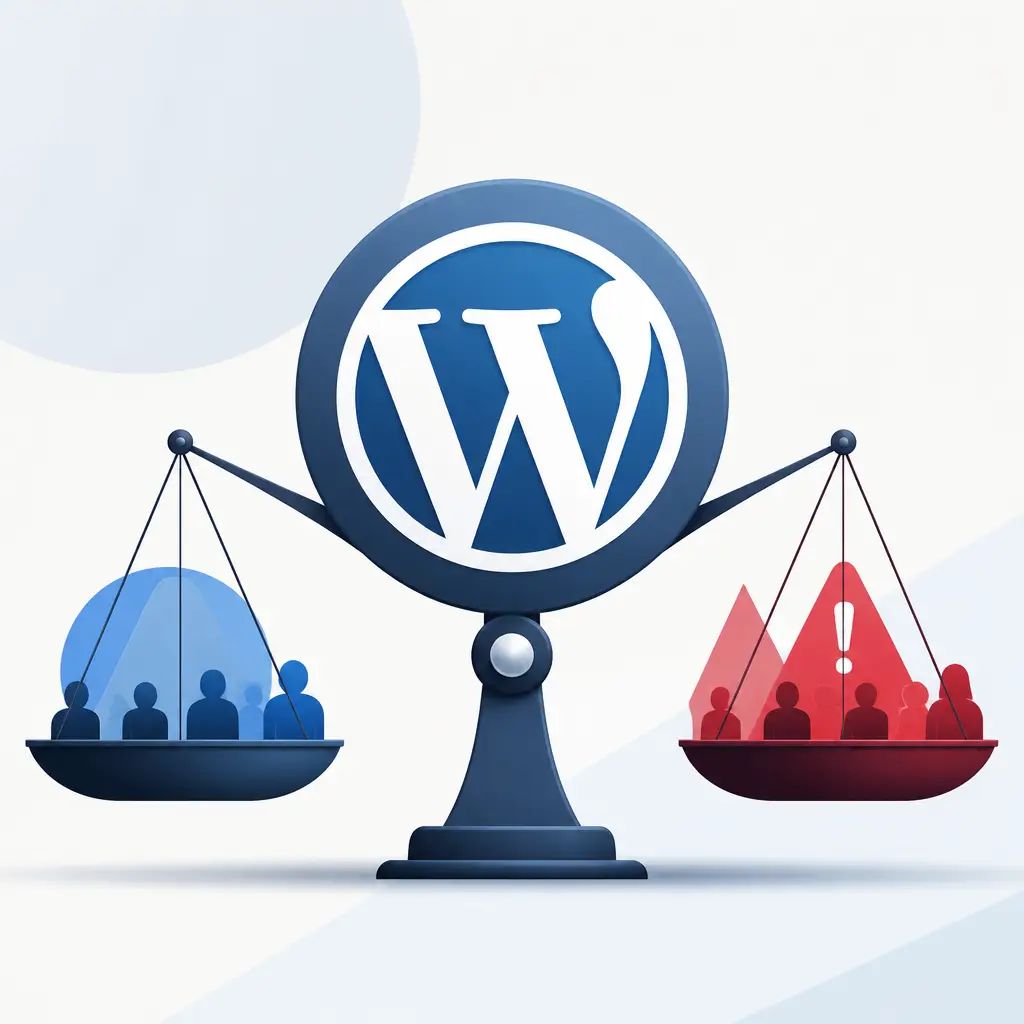
WordPress powers more than 100 million websites worldwide, making it the most widely used content management system on the planet. That popularity says a lot, but it doesn't mean WordPress is perfect for every situation. Before you commit to a platform, it's worth knowing exactly what you're getting into, good and bad.
Key Takeaways
- WordPress has over 100 million installations, giving you access to a huge pool of developers and plugins.
- It's open-source, so you're never locked into a proprietary system that could disappear overnight.
- The plugin ecosystem is vast, but poorly chosen or poorly maintained plugins can slow your site down or introduce security risks.
- Most of the common disadvantages come down to how WordPress is set up and looked after, not the platform itself.
- Working with an experienced team means you sidestep most of the pitfalls entirely.
The Advantages of WordPress
It's the most popular CMS by a long way
With over 100 million installations, WordPress isn't just popular, it's dominant. That matters to you as a business owner because it means there's an enormous global community of developers, designers and support resources behind it. You're not betting on a niche platform.
You're never locked in
WordPress is open-source, which means nobody owns it in the traditional sense. If the company or individual behind it ever closed down, your website wouldn't be affected. You own your content and your site. Compare that to a proprietary platform where the business folding could leave you scrambling.
Being open-source also means WordPress is under constant, active development. Bug fixes and security patches arrive regularly, which helps protect your investment for years to come.
It's genuinely easy to manage day-to-day
You don't need to be a developer to update your pages, publish a blog post or make basic changes. WordPress's content management interface is designed for non-technical users, which keeps your ongoing running costs lower. You won't need to call a developer every time you want to change a line of text.
The plugin library gives you almost unlimited flexibility
Thousands of plugins exist to extend what your site can do, from booking forms and e-commerce to live chat and membership areas. If you need a specific feature, there's almost certainly a plugin for it. Most can be customised to fit your brand, so your site doesn't end up looking like everyone else's.
WordPress is built with SEO in mind
Out of the box, WordPress helps you do the basics of SEO properly. It makes it straightforward to set up meta descriptions, tags and keyword-focused content. Done right, that drives more organic traffic to your site without needing a separate technical overhaul. If you want to go further, our SEO and paid advertising services can build on that solid foundation.
The Disadvantages of WordPress
Too many options can create confusion
The sheer number of plugins, themes and ways of building things can be overwhelming, even for developers. When there are multiple ways to achieve the same result, inexperienced teams can make choices that cause problems further down the line.
Generic templates have limits
WordPress templates are a quick way to get a site live, but they constrain what your site can look like. Building something genuinely distinctive takes customisation work, and that takes time. Off-the-shelf themes rarely produce a professional, stand-out result on their own.
Updates need careful handling
Both WordPress core and its plugins release frequent updates. Occasionally, the quality of an update is poor and it breaks existing functionality. The safe approach is to back up your website, including both the code and the data, before every update. If that's not being done consistently, you're taking a risk every time something updates.
This is one of the biggest practical headaches for businesses managing their own sites. Our website maintenance service handles exactly this, keeping updates managed safely so you don't have to think about it.
Plugins can introduce security vulnerabilities
Plugins are one of the most common entry points for attackers on WordPress sites. Poorly built or outdated plugins can carry bugs that leave your site exposed. Being selective about which plugins you install, and keeping them updated, is essential.
Too many plugins slow sites down
WordPress sites can become sluggish when developers pile in too many plugins and themes without thinking about performance. Images and databases that aren't properly optimised, or hosting that isn't configured correctly, make things worse. Slow load times hurt your user experience and your search rankings.
Custom development means PHP
Most WordPress sites don't need any custom programming. But if you want something more bespoke, PHP is the only language WordPress supports natively. PHP is widely used but it does have critics, and it means your custom development options are narrower than on some other platforms.
Are the Disadvantages Worth Worrying About?
Honestly, most of the drawbacks above are problems caused by inexperienced setup or poor ongoing management, not by WordPress itself. A well-built, well-maintained WordPress site sidesteps the majority of them. Backups, sensible plugin choices, performance optimisation and regular updates address almost everything on the list above.
If you'd rather focus on running your business than managing software updates and security patches, that's exactly what a managed WordPress setup is for. Our WordPress development team handles the infrastructure, updates, backups and security so you don't have to.
Is WordPress the Right Choice for Your Business?
For most small and medium-sized businesses, yes. The combination of flexibility, ease of use, a massive support community and open-source independence makes it hard to beat. Other platforms have their merits, but WordPress remains the most practical, future-proof choice for business websites in the vast majority of cases.
If you're weighing up your options or want advice on the right setup for your specific needs, get in touch with the IceBoxDesigns team and we'll give you a straight answer.
Frequently asked questions
How many websites use WordPress?
WordPress has over 100 million installations worldwide, making it the most widely deployed content management system available.
Is WordPress free to use?
WordPress itself is open-source and free to use. You'll still have costs for hosting, any premium plugins or themes, and professional development or maintenance work.
What are the biggest risks of using WordPress?
The main risks are security vulnerabilities from poorly maintained plugins, slow performance if the site isn't properly optimised, and functionality breaking if updates aren't handled carefully. All of these are manageable with proper setup and ongoing maintenance.
Do I need a developer to run a WordPress site day-to-day?
No. WordPress is designed so non-technical users can update content, publish posts and manage basic settings without any coding knowledge. You'd typically only need a developer for significant changes or custom functionality.
Related articles

Related services
Need a hand with this? Here's how IceBoxDesigns can help.