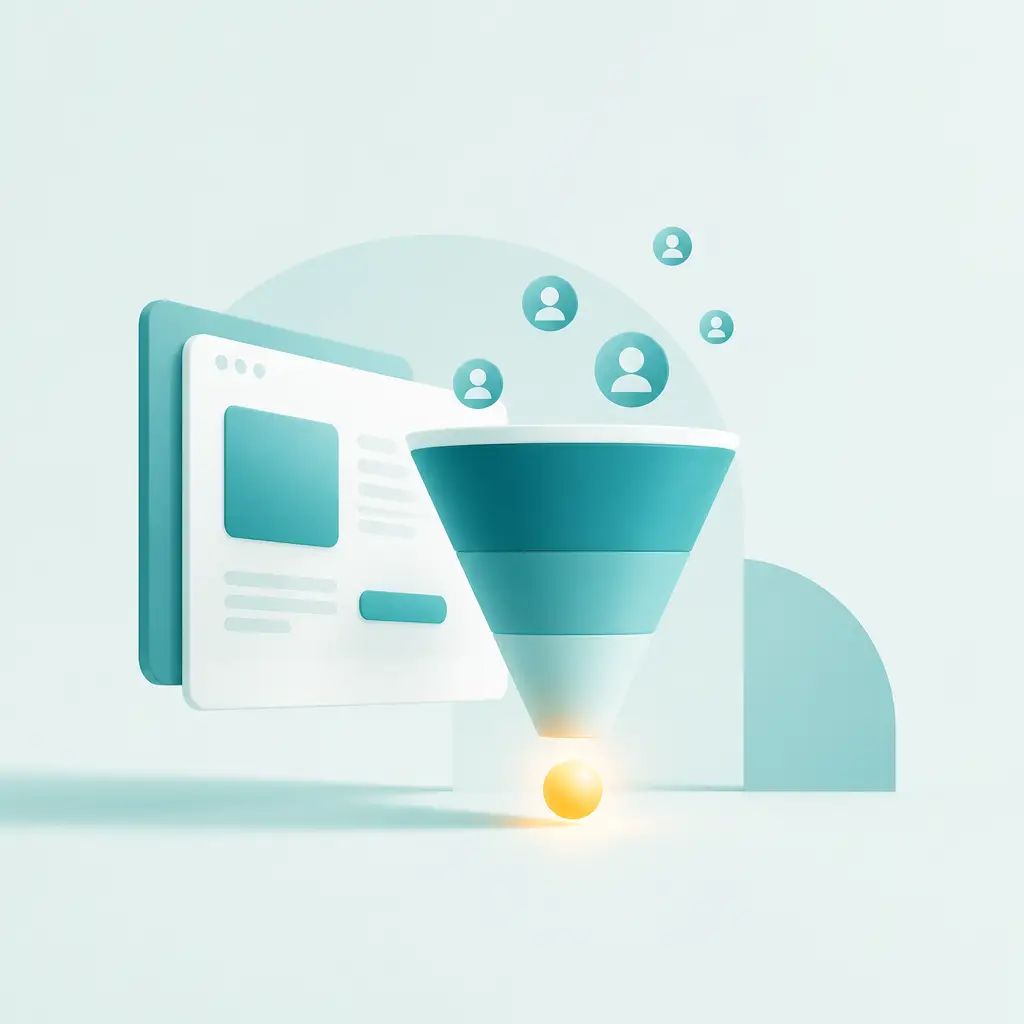
A polished website that doesn't convert is just an expensive brochure. If your site looks good but enquiries are thin, the problem is almost never the design. It's usually structure, messaging, and clarity, and those are very fixable without starting from scratch.
Key Takeaways
- Vague headlines and weak calls to action are the most common reasons visitors leave without acting.
- Trust signals (testimonials, case studies, outcomes) reduce hesitation more than extra copy does.
- Busy, cluttered pages hurt conversions, fewer competing messages means more focus.
- Most conversion problems are solved through iterative improvements, not a full rebuild.
- A site built to look impressive and a site built to generate enquiries are two different things.
The 5 Biggest Conversion Mistakes
1. Your Headline Is Too Vague
If a visitor has to guess what you do, they'll leave. Your homepage headline needs to explain your offer and who it's for, instantly. Something like "Creative digital solutions for ambitious brands" tells nobody anything useful. "Conversion-focused websites for businesses that want more enquiries" does the job in one line.
The test is simple: can a visitor understand your offer in under five seconds? If you're not sure, ask someone who doesn't know your business to read it cold.
2. Your Call to Action Is Weak
"Learn more" is not a call to action. It's a shrug. Strong websites use direct, action-based language that makes the next step obvious. Compare "Read More" with "Book a Free Discovery Call", one asks nothing of the reader, the other gives them a clear reason to click.
Your main CTA should also be visible without scrolling. If someone has to hunt for it, most won't bother.
3. You're Not Building Trust Quickly Enough
People need reasons to believe you before they'll get in touch. Listing your services with no supporting proof doesn't do it. Testimonials, case studies, client logos, and short project snapshots all reduce hesitation. Show outcomes, not just offerings.
The before-and-after here is straightforward: services listed with no proof versus services supported by real results and client feedback. The second version converts better, consistently.
4. Your Pages Are Too Busy
More information does not mean more trust. Usually it's the opposite. Too many sections, too much copy, and too many competing messages pull attention in different directions and increase drop-off. Every element on a page should move the visitor closer to taking action, if it doesn't, it's friction.
This is one of the most common misconceptions: that visitors will explore and figure things out. Most won't. Good websites guide people quickly and clearly.
5. Your Site Is Built for Looks, Not Conversions
Design matters, but clarity and structure matter more. A website isn't a brochure, it's a tool for moving users from interest to enquiry. If the decisions made during the build were all about visual impact rather than user flow, the site will underperform no matter how good it looks.
A cleaner page hierarchy, stronger messaging, and proper search-friendly content structure often improve both conversions and discoverability at the same time. That's the overlap between good web development and solid SEO foundations.
Quick Before-and-After Examples
| Element | Before | After |
|---|---|---|
| Homepage headline | "Creative digital solutions for ambitious brands." | "Conversion-focused WordPress websites for businesses that want more enquiries." |
| Call to action | "Read More" | "Book a Free Discovery Call" |
| Trust signals | Services listed with no proof | Services supported by testimonials, outcomes, and project snapshots |
A Simple Conversion Checklist
Run through these five questions on your current site:
- Can a visitor understand your offer in under five seconds?
- Is your main CTA visible without scrolling?
- Do you have proof that builds trust?
- Does each section move the user closer to action?
- Is the mobile version just as clear as the desktop version?
If you're answering "no" or "not sure" to more than one of these, there's real room to improve, without necessarily rebuilding anything.
These Problems Are Usually Solved Iteratively
Conversion problems rarely get fixed on launch day and left alone. They're solved through ongoing tweaks to copy, layout, and user flow based on what's actually happening on the site. That's why website maintenance and support tends to have a direct impact on lead generation, not just uptime. Small, repeated improvements compound over time in a way that a single redesign rarely does.
The good news: in most cases, a few strategic changes to your messaging, structure, and CTA can make a meaningful difference. A full rebuild is the last resort, not the first step.
Not sure what's hurting conversions on your site? IceBoxDesigns offers a free website review, we'll look at your messaging, structure, and calls to action and tell you where the biggest opportunities are.
Frequently asked questions
Does my website need a full redesign to improve conversions?
Not usually. Most conversion problems come down to messaging clarity, page structure, and calls to action, all of which can be improved without a full rebuild.
What's the single biggest reason websites don't convert?
A vague headline is the most common culprit. If visitors can't immediately understand what you offer and who it's for, they leave. Fix the headline and CTA before anything else.
Will adding more information to my site help build trust?
Generally, no. Too much information too early creates friction. Trust comes from clear proof, testimonials, case studies, and outcomes, not from volume of copy.
How often should I be making changes to improve conversions?
Conversion improvements work best as an ongoing process rather than a one-off project. Iterative changes to copy, layout, and user flow over time tend to outperform a single launch-day redesign.
Related articles
Related services
Need a hand with this? Here's how IceBoxDesigns can help.