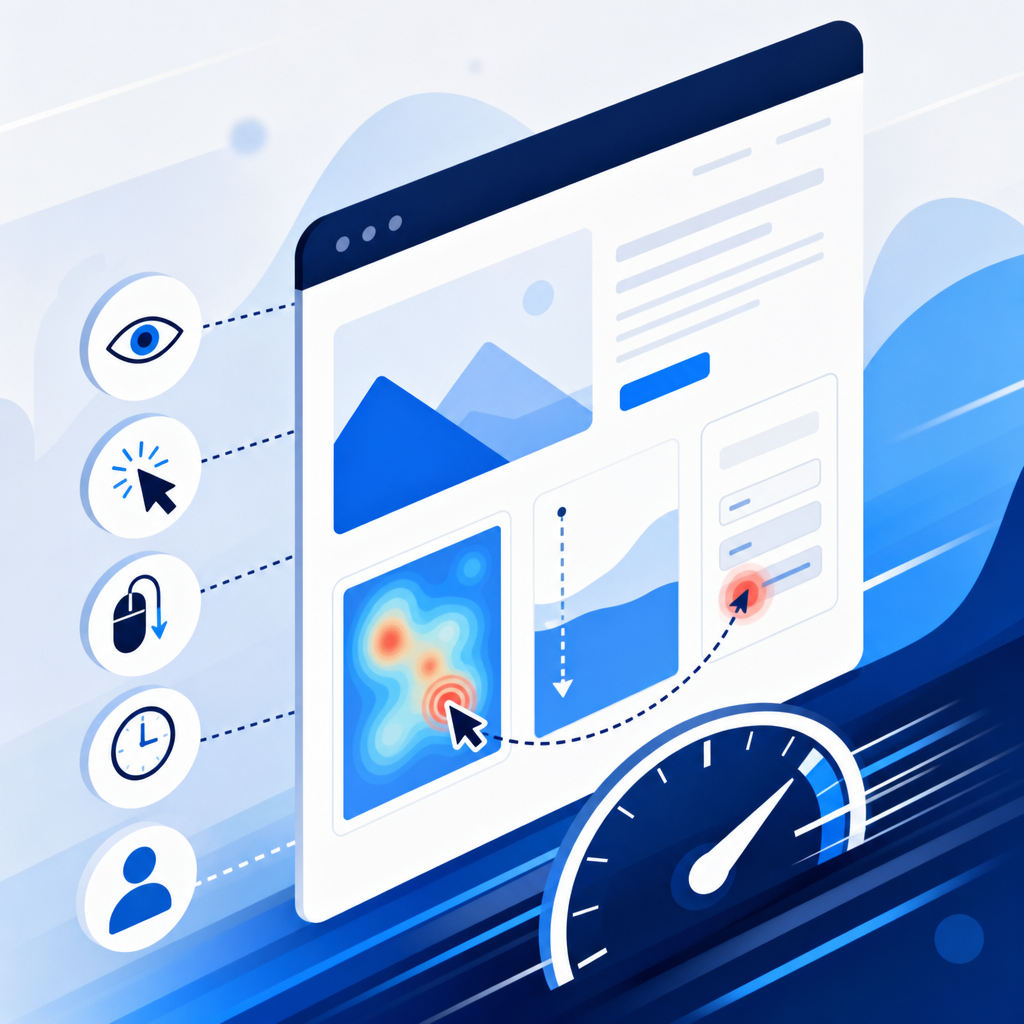
Understanding what people actually do on your website is one of the most valuable things you can do for your business, and you don't need a heavy third-party tool to do it. Knowing where visitors click, how far they scroll, and where they give up and leave gives you real evidence to make better decisions.
Key takeaways
- Two types of data matter: what happened (clicks, pageviews) and why it happened (rage clicks, form drop-offs).
- The six signals worth tracking are pageviews, clicks, scroll depth, time on page, form interactions, and custom events.
- Lightweight, well-written tracking code has almost no impact on page speed, the mistake is loading oversized SDKs.
- Sending data correctly when someone leaves your site is where most setups go wrong.
- Knowing this data exists helps you ask better questions of your developer or agency.
What you're actually trying to find out
Most analytics dashboards show you what happened: 400 visitors, 60% bounce rate, 2 conversions. Useful, but limited. The more interesting layer is why: did people scroll past your pricing section without stopping? Did they click your contact button three times in a row because it wasn't working? That's the kind of thing that tells you what to fix.
The signals that unlock this are fairly consistent across any site:
- Pageviews, which pages load, and where the visitor came from.
- Clicks, on buttons, links, and anything interactive.
- Scroll depth, how far down the page people actually get (25%, 50%, 75%, 100%).
- Time on page, genuine engaged time, not time your page sat open in a background tab.
- Form interactions, which fields people fill in and where they abandon the form.
- Custom events, things specific to your business, like "clicked book a demo" or "watched the intro video".
Why your current analytics tool might not be telling you enough
Google Analytics and similar platforms are great for traffic trends, but they don't tell you much about individual interactions. A user who scrolled 10% down your homepage and left looks identical in a pageview report to someone who read every word. They're not the same visitor, and they shouldn't be treated that way.
More granular behaviour tracking fills that gap. It's not about replacing your existing analytics, it's about adding a layer underneath that explains the numbers you're already seeing.
The performance trap: why most analytics tools slow sites down
The reason businesses shy away from adding more tracking is a fair one: many analytics scripts are enormous, load synchronously, and delay your page for every visitor. That's a real problem. A one-second delay in page load can meaningfully hurt conversions, and Google's Core Web Vitals measure this directly.
The good news is that lightweight tracking, done properly, adds almost nothing to your load time. The key principles are:
- Use a single event listener on the document, not individual listeners on every button and link. One listener handles everything and stays lean.
- Throttle scroll tracking so it only fires a handful of times per second, not on every pixel of movement.
- Use the browser's built-in IntersectionObserver to detect when elements come into view, rather than polling scroll position constantly.
- Only count active time on page, using the Page Visibility API, so background tabs don't inflate your engagement figures.
If your site's performance is already a concern, adding poorly implemented tracking on top of a slow site will make things worse. Getting the foundations right first matters.
Sending tracking data without breaking the experience
This is the part that trips up most implementations. The instinct is to send data to your server the moment a user leaves the page. The problem: the browser can cancel those requests the instant navigation starts, so your most important event (someone leaving) is the most likely one to be lost.
The right tool for this is navigator.sendBeacon(). It queues a small request that the browser sends reliably, even after the page has closed, without blocking anything. Older workarounds involved synchronous requests that would freeze the browser for a split second, something browsers are actively deprecating.
If you're managing a WordPress site, this kind of lightweight custom tracking can often be added without a plugin at all, keeping your plugin count down and your site faster.
What this means for your business (without writing a line of code)
You don't need to implement any of this yourself. But understanding that it exists means you can have a much more informed conversation with your developer or agency. Instead of asking "why is our bounce rate high?", you can ask for scroll depth data on your homepage, or click tracking on your main call-to-action.
The businesses that use their websites most effectively aren't the ones with the biggest budgets, they're the ones asking the right questions about what their visitors are actually doing.
If you'd like help setting up meaningful behaviour tracking that doesn't compromise your site's speed, get in touch with the IceBoxDesigns team. We'll look at what data would actually be useful for your business and build something that fits.
Frequently asked questions
Will adding behaviour tracking slow my website down?
Not if it's done properly. The performance impact of lightweight, well-written tracking code is minimal. The problem is usually bloated third-party scripts that load before your page content. Bespoke tracking built into your site avoids this entirely.
Is tracking user behaviour on my website legal in the UK?
It depends on what you track and how. Behavioural data that can identify individuals falls under UK GDPR, so you'll need to disclose it in your privacy policy and, in many cases, obtain consent via your cookie notice. Anonymous aggregate data is generally lower risk, but you should always take legal advice specific to your situation.
What's the difference between behaviour tracking and Google Analytics?
Google Analytics gives you traffic-level data: pageviews, sessions, bounce rate. Behaviour tracking goes deeper, clicks on specific buttons, how far someone scrolled, where they dropped out of a form. The two complement each other rather than compete.
Do I need a plugin for behaviour tracking on WordPress?
Not necessarily. Lightweight tracking can be added to a WordPress site as a small script without a plugin. This is often preferable because it keeps your plugin count low and gives you precise control over what's tracked and where the data goes.
Related services
Need a hand with this? Here's how IceBoxDesigns can help.