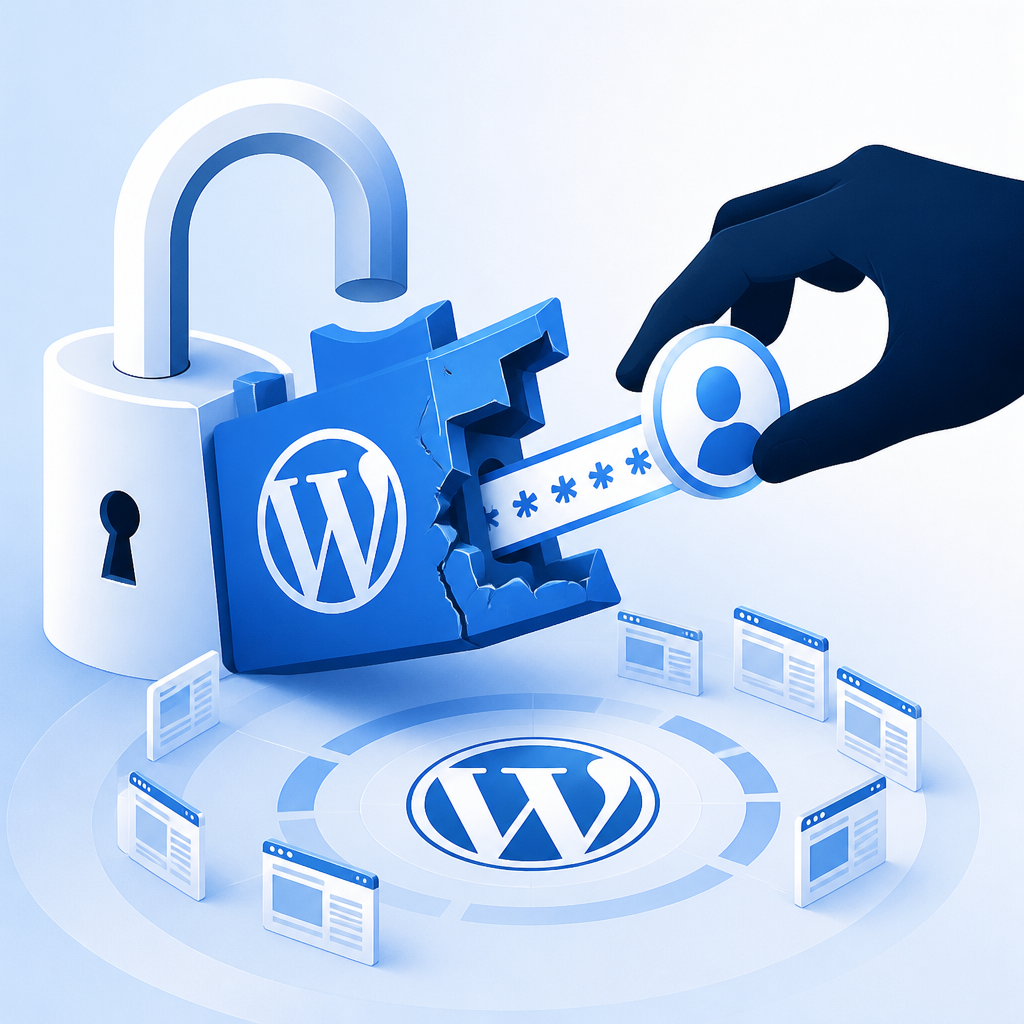
If your WordPress site uses the Kirki page builder plugin, update it right now. A critical flaw in versions 6.0.0 through 6.0.6 lets a complete stranger reset your admin password and take over your site, no login required. The patched version, 6.0.7, is already out.
Key takeaways
- The Kirki plugin (versions 6.0.0 to 6.0.6) has a critical vulnerability rated 9.8 out of 10.
- An attacker can reset any account's password, including admin accounts, without being logged in.
- Around 400,000 sites are estimated to be running a vulnerable version.
- The fix is already available: update to Kirki version 6.0.7 immediately.
- If you're on Wordfence's free plan, you won't receive firewall protection for this until June 2026, so the plugin update is your only reliable defence right now.
What's actually wrong with the plugin
The flaw sits inside Kirki's password reset feature. When someone requests a password reset, the plugin is supposed to look up the account by username and then send a reset link to that account's registered email address. Simple enough.
The problem is it doesn't actually do that last part correctly. Instead of using the email address stored in WordPress for that account, it uses whatever email address was submitted in the reset request. So an attacker can type in your admin username, supply their own email address, and the reset link lands in their inbox. They click it, set a new password, and they're in.
This flaw was discovered by researcher CHOIGYEONGMIN, reported through the Wordfence Bug Bounty Programme on 4 May 2026, and patched by plugin developer Themeum on 18 May 2026.
What an attacker can do once they're in
Once someone has admin access to your WordPress site, the damage can be significant and fast. Common outcomes include:
- Installing malicious plugins to create backdoors.
- Creating new rogue admin accounts for persistent access.
- Injecting spam links or redirects that damage your SEO.
- Defacing or altering your content.
- Deploying webshells, which are scripts that give ongoing remote control of your server.
In short, a compromised admin account isn't just a nuisance. It can mean a full rebuild if it isn't caught quickly.
What you should do right now
These three steps cover the immediate risk:
- Update Kirki to version 6.0.7. Log into your WordPress dashboard, go to Plugins, and update. Takes two minutes.
- Check your admin accounts. Go to Users and look for any accounts you don't recognise, especially any with administrator or editor roles. Remove anything suspicious.
- Review your password reset logs. If you have a security or activity log plugin installed, look for unusual reset requests, particularly any hitting the Kirki REST API endpoint. If you don't have logging in place, that's worth fixing.
If you're running Wordfence Premium, Care, or Response, a firewall rule was already pushed on 9 May 2026. If you're on the free plan, that protection doesn't arrive until June 2026, which is why updating the plugin itself is non-negotiable.
Why vulnerabilities like this slip through
This isn't a case of some obscure, hard-to-spot code. It's a logic error: the developer validated the username correctly but then forgot to tie the reset email back to that user's actual account data. It's the kind of thing that passes a quick manual test but falls apart the moment someone probes it deliberately.
It's also a reminder that plugins introduced major new features (Kirki 6.0 was a significant release) carry more risk until they've been tested in the wild. Staying cautious about updating to major new plugin versions on production sites, or at least keeping solid backups and monitoring in place, is always sensible.
Our WordPress development and maintenance work always includes plugin vetting and update management, precisely because situations like this come up more often than most business owners expect.
Keep this from happening again
A single vulnerable plugin can undo months of legitimate work on your site. The best way to stay ahead of it is consistent maintenance: keeping plugins updated, monitoring for suspicious activity, and making sure you have clean backups you can actually restore from.
If that's not something you have time to manage yourself, our website maintenance service covers all of it, including security monitoring, updates, and regular backups, so you're not scrambling when something like this lands.
Get in touch with IceBoxDesigns if you'd like us to audit your WordPress site or take ongoing maintenance off your plate.
Frequently asked questions
How do I know if my site is affected by the Kirki plugin vulnerability?
Check which version of Kirki you're running by going to Plugins in your WordPress dashboard. If it shows any version from 6.0.0 to 6.0.6, your site is vulnerable. Update to 6.0.7 straight away.
Do I need to do anything other than update the plugin?
Yes. After updating, check your user list for any unfamiliar admin accounts and remove them. If you have activity logging, look for suspicious password reset requests. If you don't have logging, consider adding it.
Is the Kirki plugin safe to keep using after the update?
Yes. Version 6.0.7 patches the flaw. As long as you update, the specific vulnerability is closed. Keeping the plugin updated going forward is the key thing.
Could an attacker have already used this vulnerability on my site?
Possibly, if you were running a vulnerable version and your site was targeted. Check for any admin accounts you don't recognise and look at recent password reset activity. If anything looks off, contact a WordPress specialist to investigate.
Related services
Need a hand with this? Here's how IceBoxDesigns can help.